Cybersecurity Reference > Glossary
What is a Proxy Server?





When you connect through a proxy, your requests go there first—the proxy then forwards them to their destination and routes the response back to you. Think of it as a relay point that handles traffic on your behalf.
Organizations use proxies for several reasons. They can mask IP addresses, which protects user identity and location. They filter web traffic, blocking access to malicious sites or enforcing acceptable use policies. Many companies require authentication at the proxy level, which creates a checkpoint for controlling who gets internet access. Proxies also give security teams visibility into outbound traffic patterns, making it easier to spot unusual behavior.
From a defensive standpoint, a proxy creates distance between internal users and external threats. It can inspect content before it reaches endpoints, stripping out malicious code or blocking dangerous file types. Reverse proxies do the opposite—they protect servers by handling incoming requests, which helps distribute load and hide backend infrastructure.
But proxies aren't foolproof. A misconfigured proxy can leak sensitive data or create blind spots in monitoring. Attackers sometimes set up rogue proxies to intercept credentials or inject malware into traffic streams. The technology itself is neutral; its security value depends entirely on how it's deployed and managed.
Origin
Squid, one of the first widely adopted proxy servers, appeared in 1996 and became standard infrastructure at universities and large organizations. These early implementations focused on performance rather than security. They stored copies of frequently accessed web pages so multiple users could retrieve them locally instead of fetching them repeatedly from distant servers.
The security dimension developed gradually. As organizations connected more users to the internet, they needed ways to monitor and control access. Proxies evolved to include filtering capabilities, blocking certain domains or content types. By the late 1990s, forward proxies had become a standard component of enterprise network architecture, positioned at the perimeter to mediate all outbound web traffic.
Reverse proxies followed a different path, growing out of the need to protect and scale web servers. They gained prominence in the early 2000s as companies built larger web applications and needed ways to distribute load, handle SSL termination, and shield backend systems from direct exposure.
Why It Matters
Cloud adoption has complicated the picture. When applications moved from on-premises servers to SaaS platforms, traditional proxies lost visibility into encrypted traffic. Organizations responded by deploying SSL-inspecting proxies, but this introduces its own problems—certificate management complexity, potential privacy concerns, and performance overhead. Many companies now struggle with whether inspection is worth the operational cost.
Remote work has changed the proxy equation further. The perimeter dissolved when employees started working from home, coffee shops, and airports. Some organizations route remote traffic back through a central proxy via VPN, which works but creates latency and bottlenecks. Others have moved toward cloud-based proxy services that follow users wherever they go, though this requires rethinking network architecture.
Proxies also matter for threat detection. They generate logs that show who accessed what and when, which becomes crucial during incident investigations. But the sheer volume of proxy logs can overwhelm security teams, and many organizations lack the tools or expertise to extract useful signals from the noise.
The Plurilock Advantage
We implement modern architectures that balance security requirements with user experience, whether that means hardening on-premises proxies or transitioning to cloud-based solutions that scale with distributed workforces.
When proxy logs reveal suspicious patterns, our threat hunting and incident response capabilities turn raw data into actionable intelligence. Learn more about our data protection services and how we help secure traffic flows across complex environments.
.
Need Help Configuring Your Proxy Server?
Plurilock's network security experts can optimize your proxy configuration for maximum protection.
Get Expert Configuration Help → Learn more →Downloadable References
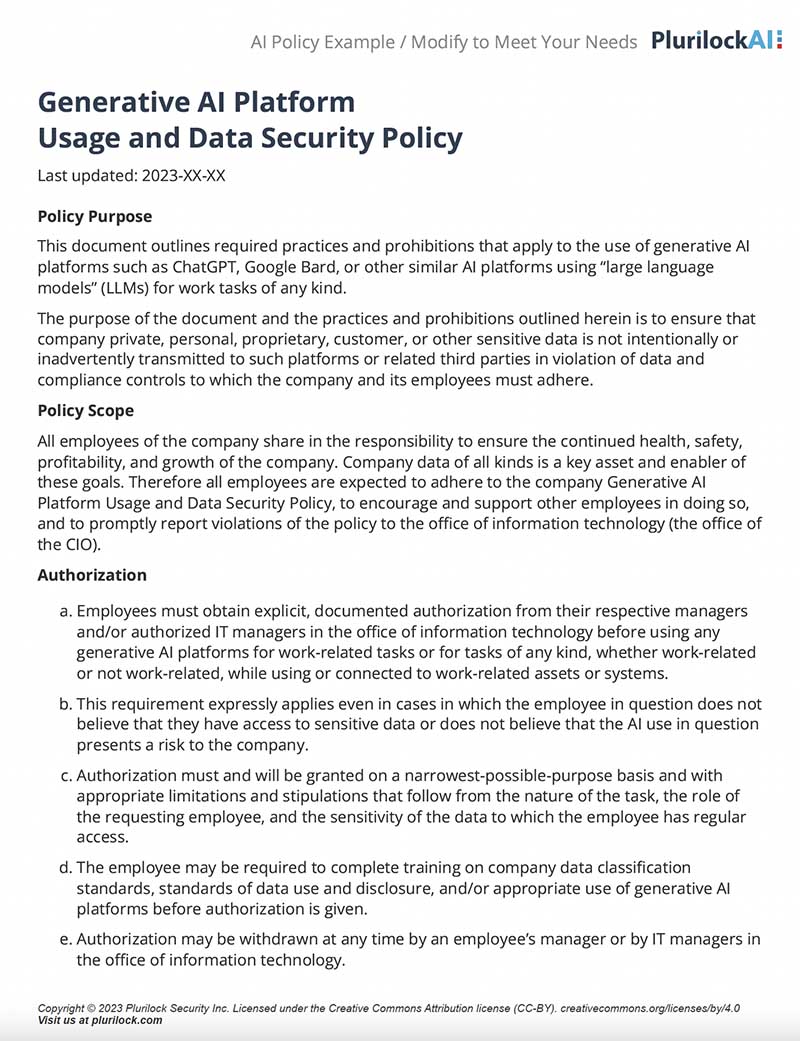
Sample Governance Policy for AI Use
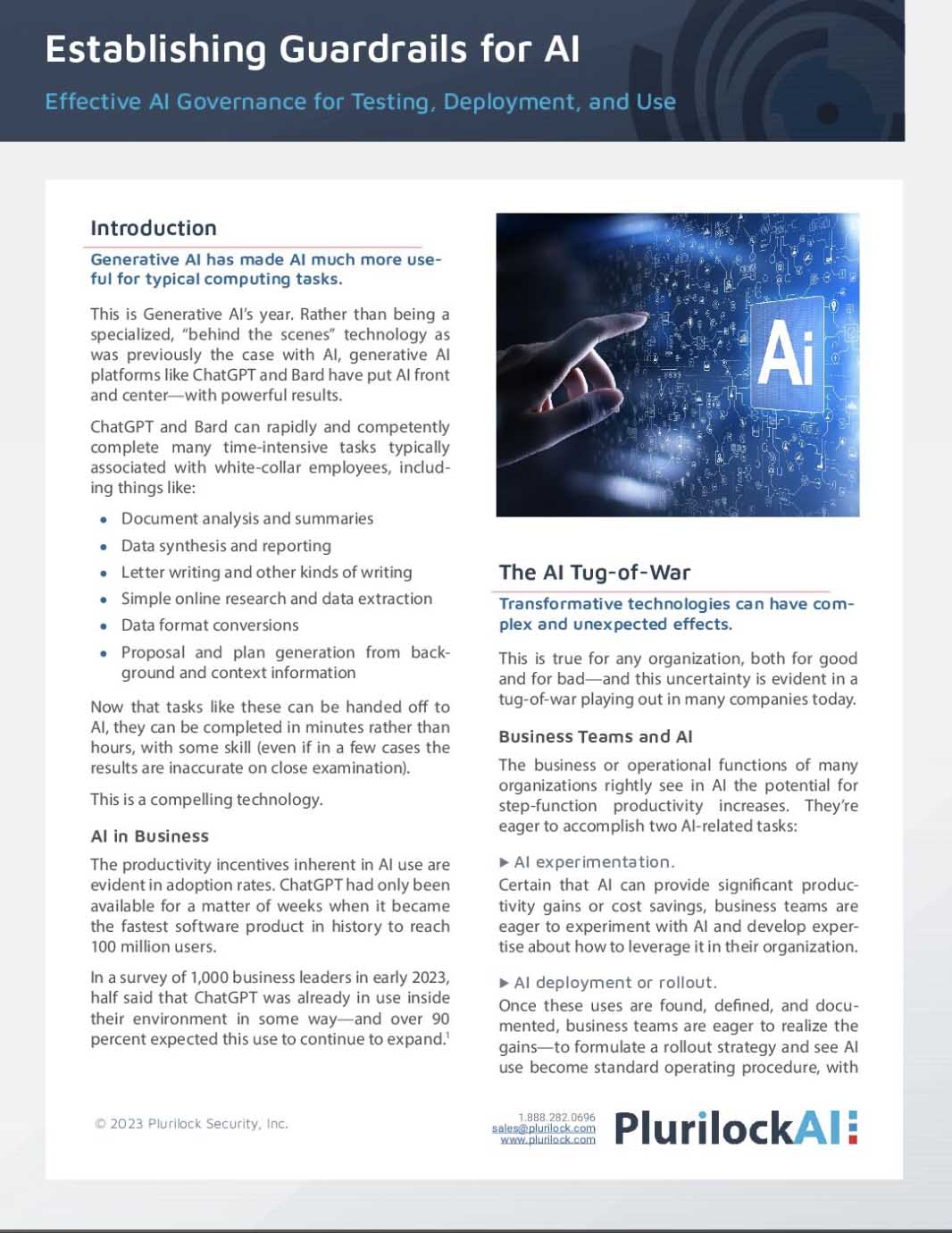
Establishing Guardrails for AI Whitepaper