Cybersecurity Reference > Glossary
What is Virtual Desktop Infrastructure (VDI)?





Instead of your applications and files living on the laptop in front of you, they run on a server somewhere else—often in a data center—while you interact with them through a thin client or endpoint device. The actual computing happens remotely, and what you see on your screen is essentially a video stream of that remote desktop, with your keyboard and mouse inputs sent back the other way.
From a security standpoint, VDI fundamentally changes where sensitive data lives and how it moves. Rather than scattering corporate information across hundreds of individual laptops that leave the building every night, everything stays in the data center. That centralization offers real advantages: patching becomes simpler, data doesn't leak through lost devices, and you can enforce policies uniformly. But it also creates new problems. Authentication becomes critical since anyone with the right credentials can potentially access a virtual desktop from anywhere. Network security matters more because compromising the infrastructure could expose many virtual desktops at once. And you need to think carefully about session security, endpoint validation, and how to prevent credential theft or session hijacking.
Origin
VDI as we understand it today emerged in the early 2000s as virtualization technology matured. VMware's acquisition of a company working on virtual desktop technology in 2003, and Citrix's development of similar capabilities, marked the beginning of modern VDI. These systems used hypervisors—software that creates and manages virtual machines—to run multiple isolated desktop environments on shared server hardware. The approach combined the management advantages of the mainframe era with the personalized experience users expected from PCs.
The technology gained serious traction around 2006 to 2008 as server virtualization became mainstream and organizations looked for ways to reduce desktop support costs. Cloud computing's rise in the 2010s added another dimension, with virtual desktops increasingly hosted by third-party providers rather than on-premises data centers.
Why It Matters
The security implications cut both ways. Centralizing desktops in a controlled data center means you can monitor everything, enforce encryption, ensure backups happen, and remove data access instantly when someone leaves the company. You're not chasing down physical devices or hoping employees properly wiped them. But VDI also creates a attractive target. Compromise the VDI infrastructure and an attacker potentially accesses many corporate desktops. Steal one set of user credentials and someone can log in from anywhere in the world if you haven't implemented proper access controls.
Modern VDI security focuses on strong authentication, network segmentation to isolate virtual desktop environments, monitoring for anomalous access patterns, and ensuring session security. Zero-trust principles apply particularly well here since you're already managing access through a central chokepoint. The challenge is balancing security with user experience—add too much friction and people find workarounds that undermine your entire security model.
The Plurilock Advantage
Plurilock brings together these disciplines through services that include zero trust architecture design and deployment tailored to virtual desktop environments, along with identity and access management modernization that strengthens authentication without creating friction for legitimate users.
Our team includes practitioners who've secured large-scale VDI deployments for government and enterprise clients. We assess your specific VDI security posture, identify gaps in authentication and access controls, and implement integrated solutions that protect your virtual desktop infrastructure without complicating the user experience.
.
Downloadable References
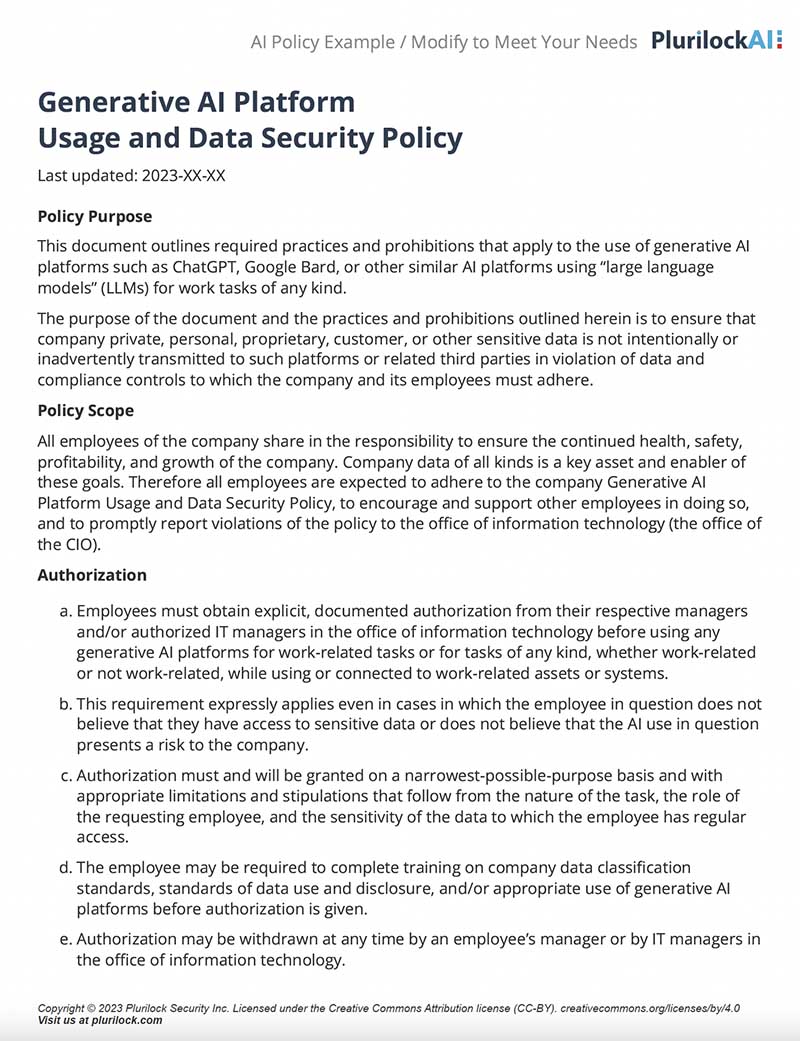
Sample Governance Policy for AI Use
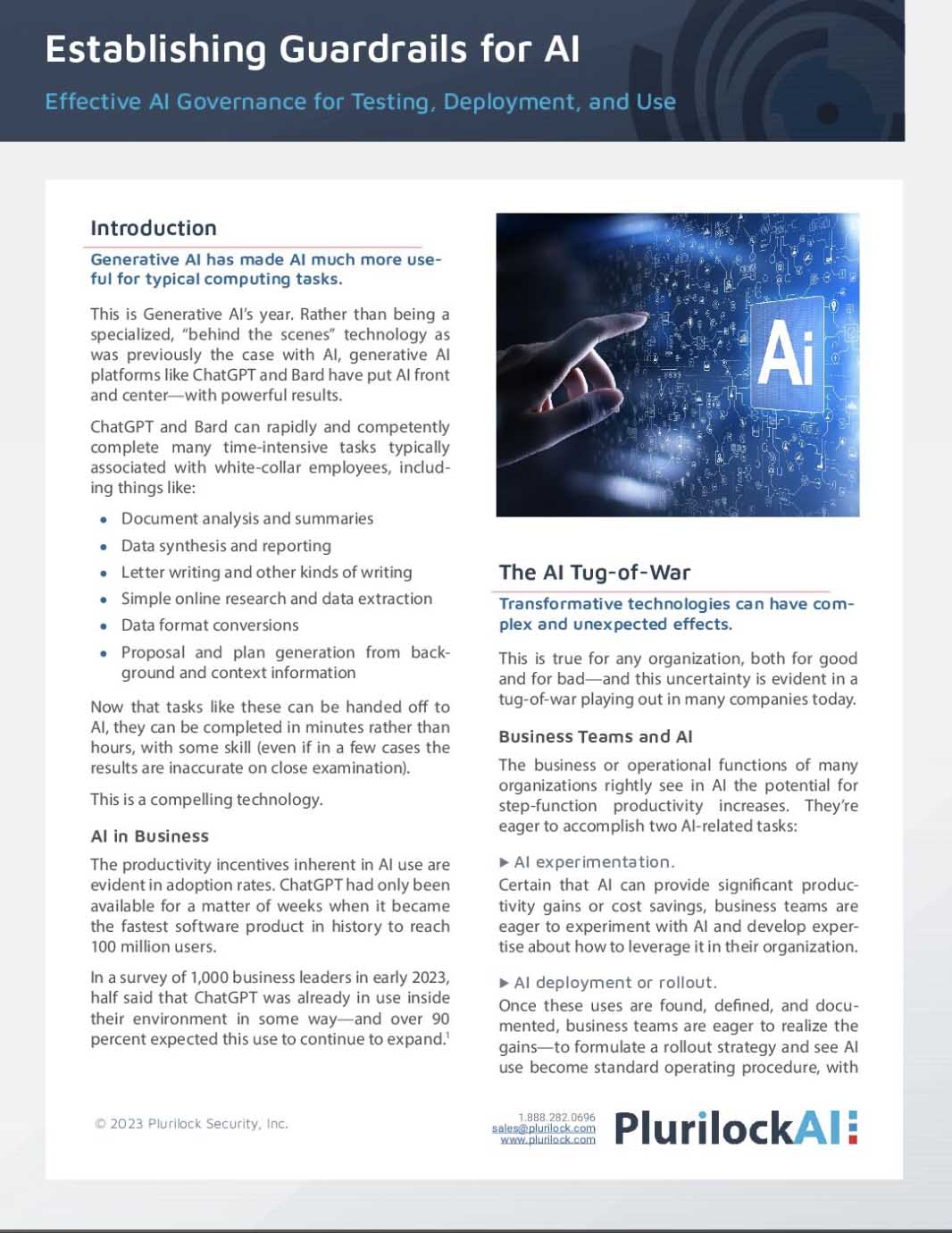
Establishing Guardrails for AI Whitepaper