Cybersecurity Reference > Glossary
What is Anomalous Authentication?




These irregularities can indicate potential security threats, compromised accounts, or unauthorized access attempts that warrant further investigation.
Common examples include login attempts from unusual geographic locations, authentication at atypical times, use of unfamiliar devices, or access patterns that differ significantly from a user's historical behavior. If a user typically logs in from New York during business hours but suddenly authenticates from Eastern Europe at 3 AM, this would constitute anomalous authentication.
Modern security systems use machine learning algorithms and behavioral analytics to establish baselines of normal authentication patterns for each user and system. When deviations occur, these systems can automatically flag the events, trigger additional verification steps, or temporarily restrict access pending manual review. Organizations typically respond through risk-based authentication protocols, which may require additional verification factors, send alerts to security teams, or temporarily lock accounts. This approach helps balance security with user experience by allowing legitimate but unusual access while protecting against potential threats.
Origin
As authentication systems grew more sophisticated in the 2000s, security teams realized that rigid rules created too many false positives and missed subtle attack patterns. The rise of machine learning and behavioral analytics transformed the field. Rather than comparing events against fixed rules, systems began learning what "normal" looked like for each individual user, building statistical models of typical behavior.
This shift accelerated dramatically with the proliferation of cloud services and mobile devices in the 2010s. Users started legitimately accessing systems from diverse locations and devices, making static rules impractical. The focus moved toward understanding context and probability—is this authentication event consistent with everything else we know about this user's patterns? Modern anomaly detection now incorporates dozens of signals, from typing patterns to device fingerprints, creating nuanced pictures of legitimate versus suspicious behavior.
Why It Matters
The stakes have risen considerably. A single compromised account can provide attackers with a foothold to move laterally through networks, exfiltrate sensitive data, or launch ransomware attacks. Recent high-profile breaches have frequently involved attackers using legitimate stolen credentials rather than exploiting technical vulnerabilities. They look like regular users—unless you're watching for behavioral anomalies.
The challenge lies in distinguishing genuine threats from legitimate unusual behavior. Remote work has made this harder. Users might log in from a vacation home, travel internationally, or access systems at odd hours to accommodate different time zones. Overly aggressive anomaly detection frustrates users and generates alert fatigue for security teams.
Effective anomaly detection requires sophisticated baselines that account for gradual changes in behavior, seasonal patterns, and role-specific access needs. It also demands integration with broader security systems—anomalous authentication should trigger not just alerts but coordinated responses that can contain potential breaches before they escalate.
The Plurilock Advantage
We deploy and integrate identity and access management solutions that incorporate machine learning-based anomaly detection, establishing behavioral baselines and automating appropriate responses. Our experts have tackled authentication challenges across complex environments, from zero-trust implementations to cloud security architectures. When anomalies surface, our incident response services provide rapid investigation and containment, determining whether unusual authentication represents a legitimate user or an active compromise.
.
Need Help Detecting Authentication Anomalies?
Plurilock's behavioral biometrics can identify suspicious login patterns and unauthorized access attempts.
Get Authentication Protection → Learn more →Downloadable References
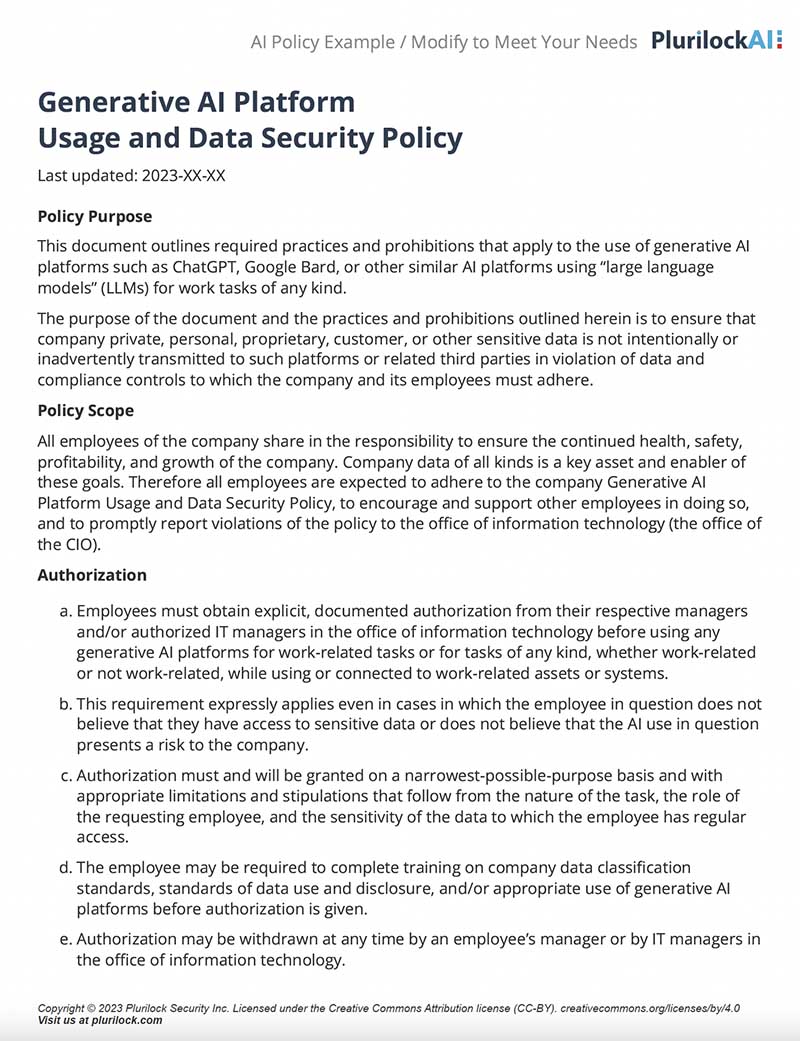
Sample Governance Policy for AI Use
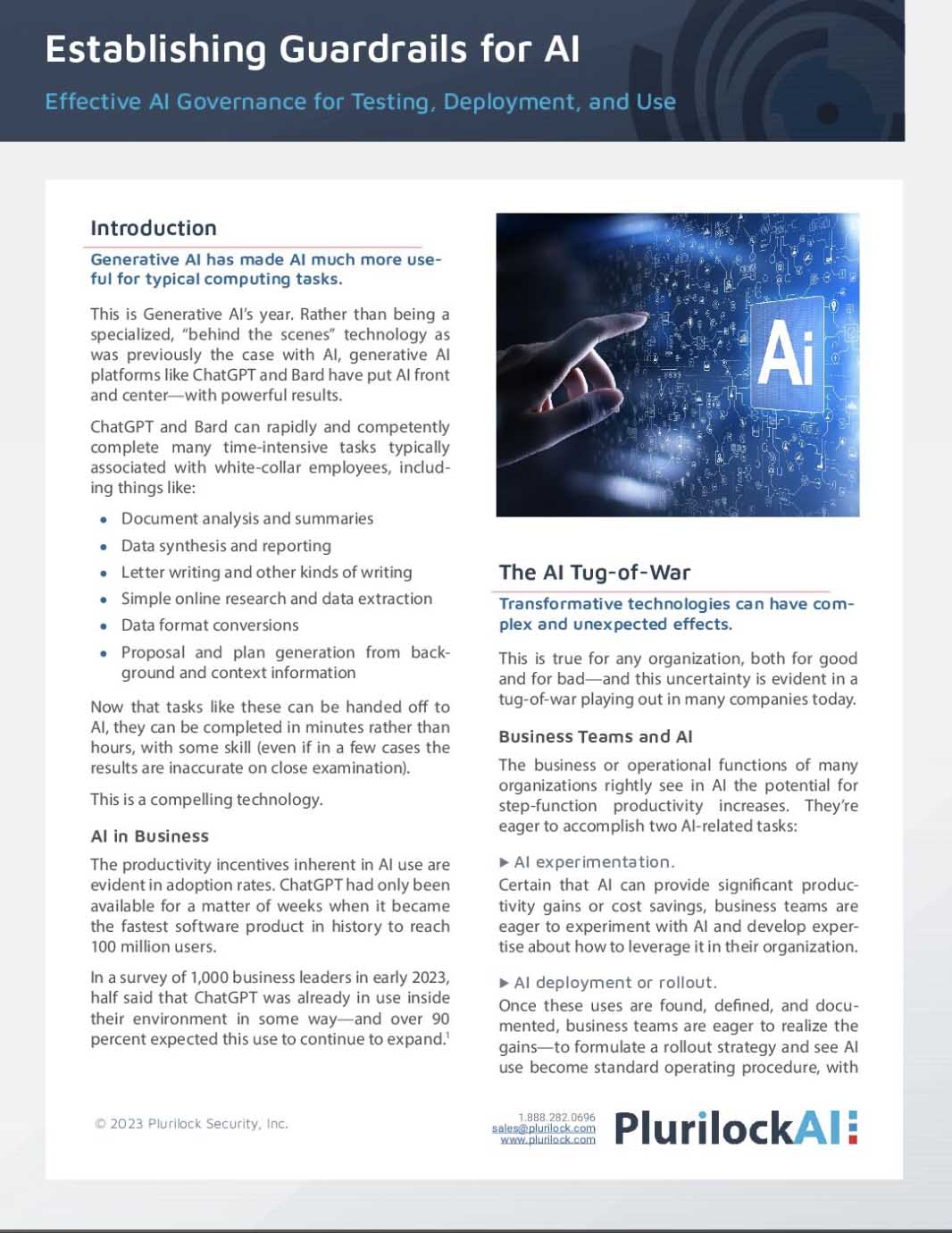
Establishing Guardrails for AI Whitepaper