Cybersecurity Reference > Glossary
What is Conditional Access?





Instead of checking a password and calling it a day, these systems look at a cluster of factors—where you're connecting from, what device you're using, whether that device meets security standards, what time it is, and how risky your behavior seems. The decision changes depending on the context.
For instance, you might sail right into your email from the office network, but the same system could demand additional authentication when you're connecting from an airport in another country. Or it might let you view documents but block downloads if your laptop hasn't run its latest security patches. The logic adapts to circumstances rather than applying the same rules everywhere.
Modern implementations tie into identity platforms and security tools that feed them information about threats, device health, and user patterns. Some use risk scoring that shifts in real time—if something seems off about your login attempt, the system tightens requirements on the fly. This approach fits naturally into zero-trust architectures, where trust is never assumed and access decisions happen continuously rather than once at login. The goal is to stop threats without making legitimate work unnecessarily difficult, though getting that balance right takes careful policy design.
Origin
The shift came as mobile devices, cloud services, and remote work made the perimeter dissolve. Around the mid-2010s, identity providers started building policy engines that could evaluate more than credentials. Microsoft's Azure Active Directory introduced its Conditional Access feature in 2015, which helped popularize the term and the approach. Other identity platforms followed with similar capabilities, and the concept spread.
The evolution paralleled the rise of zero-trust thinking, which rejected the inside-versus-outside model entirely. Rather than trusting based on network location, organizations needed to verify continuously and adjust access based on observable signals. Conditional access provided a practical way to implement these principles—it gave security teams a framework for encoding complex, context-aware decisions without requiring custom code for every scenario. As threat intelligence feeds, device management tools, and behavioral analytics matured, conditional access systems gained richer inputs to inform their decisions.
Why It Matters
The approach addresses a practical problem: how to reduce risk without blocking legitimate work. When someone logs in from their usual location on a managed device during business hours, asking for multi-factor authentication every time wastes their time and trains them to see security as an obstacle. But when that same person suddenly appears connecting from an unfamiliar country on an unknown device, additional verification makes sense. Conditional access lets organizations apply stronger controls precisely where risk is higher.
It also helps contain breaches. If credentials get stolen, conditional access policies can limit what an attacker can do with them—blocking access from suspicious locations, requiring device compliance that a stolen password alone won't satisfy, or restricting access to less sensitive resources. This doesn't stop all attacks, but it makes exploitation harder and buys time for detection and response.
The Plurilock Advantage
We assess your environment, identify where context-aware controls deliver the most value, and integrate the signals—device posture, location intelligence, threat feeds—that make those decisions reliable.
Our approach focuses on outcomes: reducing your exposure while keeping work flowing. We've done this across complex environments with legacy systems, multiple clouds, and varied user populations, and we can mobilize quickly to get controls in place.
.
Need Help Implementing Conditional Access?
Plurilock can design and deploy conditional access policies tailored to your environment.
Get Started Today → Learn more →Downloadable References
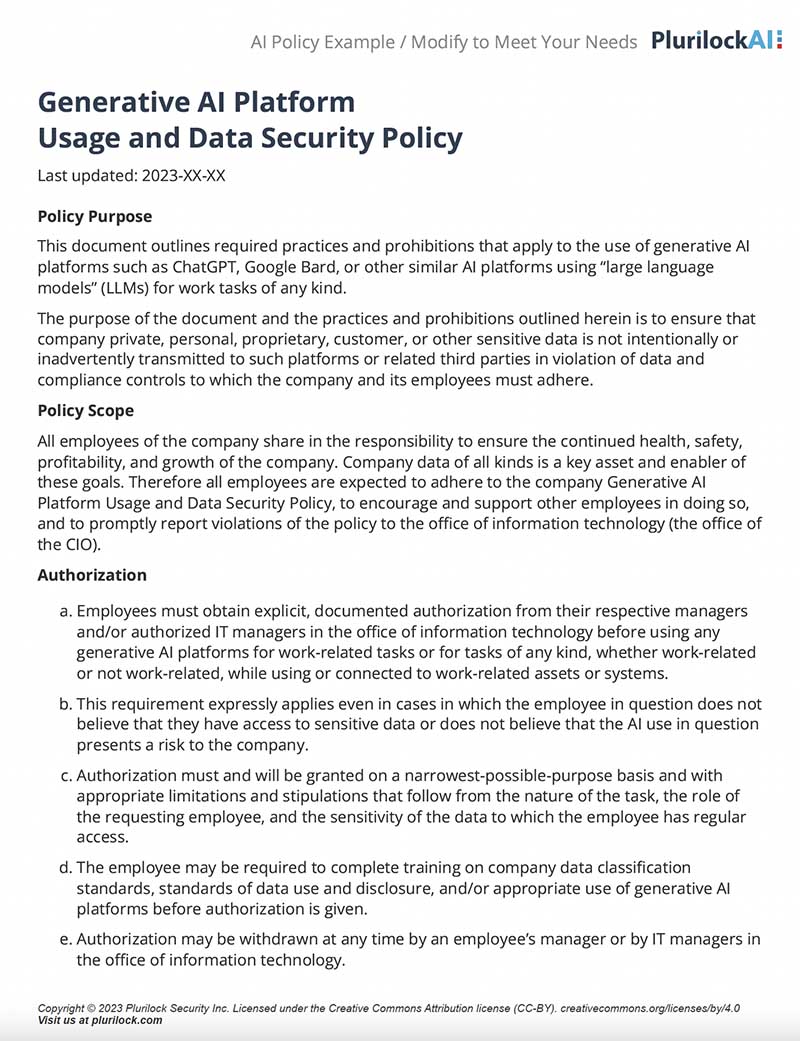
Sample Governance Policy for AI Use
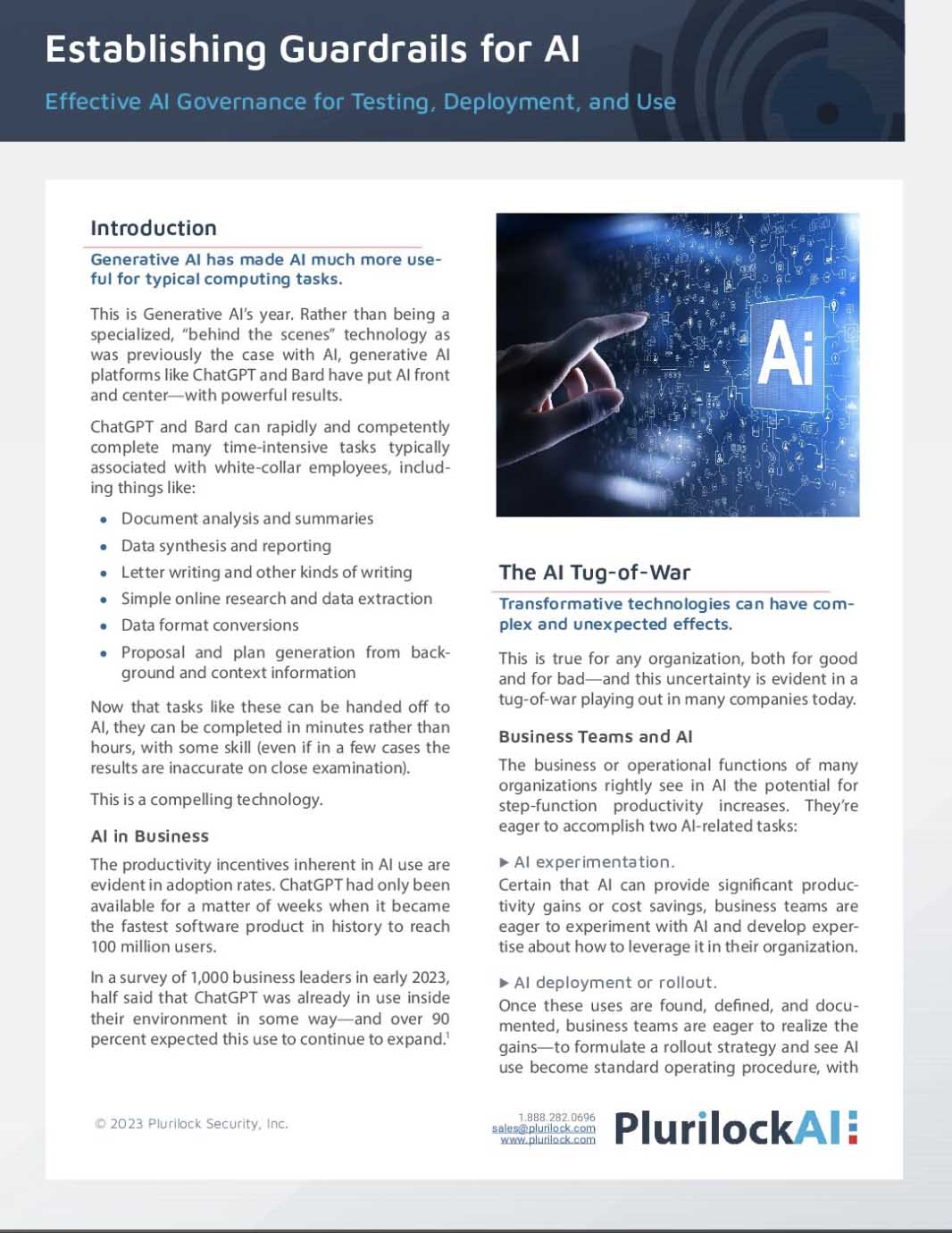
Establishing Guardrails for AI Whitepaper