Cybersecurity Reference > Glossary
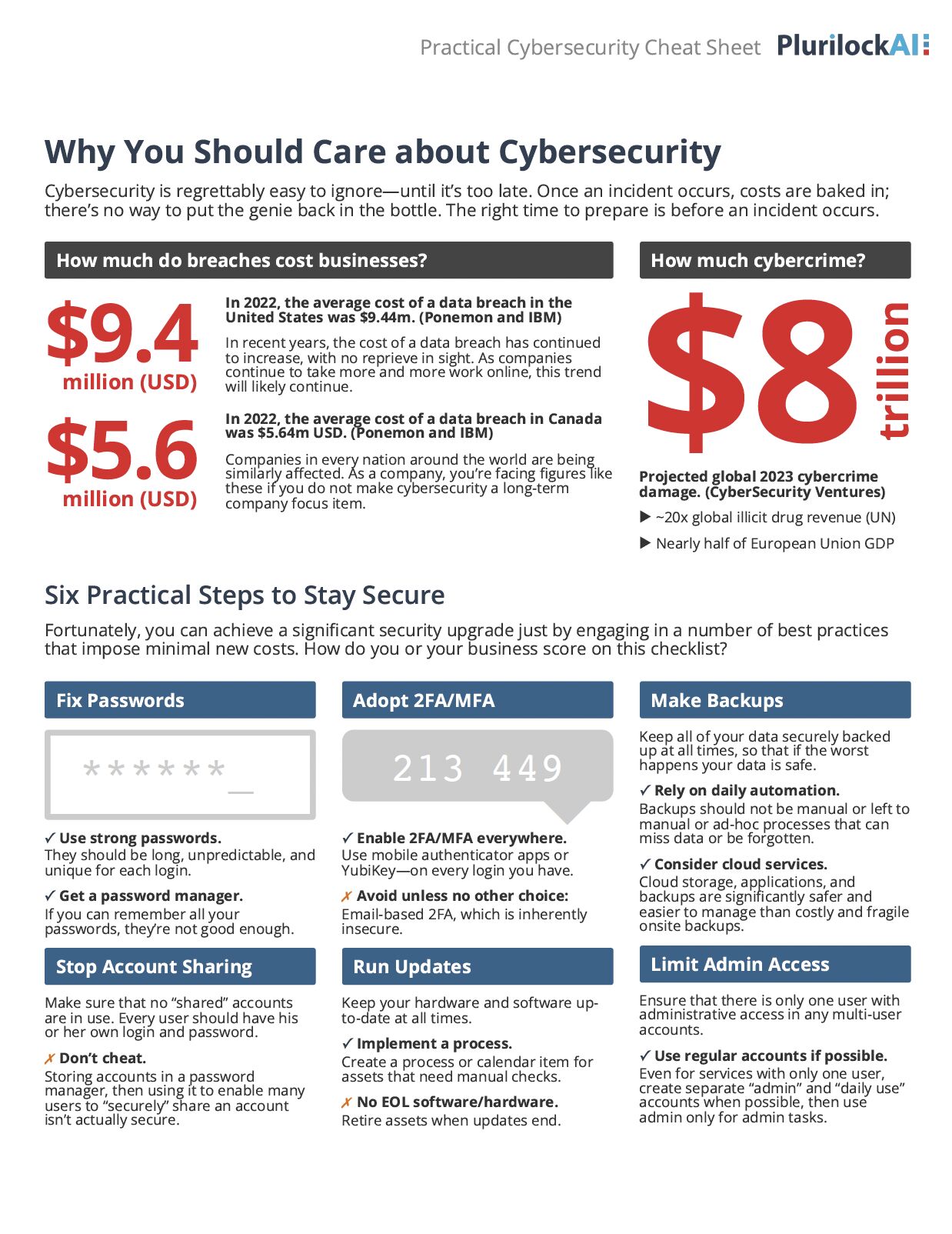
What is Multi-factor Authentication?





The approach rests on three fundamental categories of identity proof: something you know (like a password or PIN), something you have (such as a smartphone or hardware token), and something you are (biometric markers like fingerprints or facial recognition). For authentication to qualify as truly multi-factor, it must draw from at least two different categories—pairing a password with a code sent to your phone, for instance, or combining a security key with a fingerprint scan.
The distinction matters because requiring two items from the same category—say, a password followed by security questions—doesn't provide the same protection. This setup, more accurately called two-step authentication, still leaves you vulnerable if that single factor type gets compromised. Someone who steals your password might also crack your security questions through research or social engineering. True MFA creates independent barriers, making unauthorized access exponentially harder since an attacker would need to breach entirely different systems or methods to succeed.
Origin
The 1980s saw early experiments with token-based authentication, particularly in defense and financial sectors where security justified the cost of distributing physical devices. RSA's SecurID token, introduced in the mid-1980s, became one of the first widely deployed commercial MFA solutions, generating time-based codes that supplemented traditional passwords.
Biometric factors entered the picture more gradually. While fingerprint analysis had forensic applications for over a century, integrating biometrics into routine authentication required both technological advances and cultural acceptance. The 2000s brought fingerprint readers to laptops and eventually smartphones, making biometric authentication practical for everyday use rather than just high-security facilities.
The real inflection point came when mobile phones became ubiquitous. Suddenly, most people carried a device capable of receiving codes, running authenticator apps, or serving as a hardware token through Bluetooth or NFC. This accessibility transformed MFA from a specialized security measure into something feasible for protecting ordinary consumer accounts, fundamentally changing the authentication landscape.
Why It Matters
MFA directly addresses this vulnerability by ensuring that a stolen password alone isn't enough. Even if attackers phish your credentials or buy them from a breach database, they still can't access your account without the second factor. This explains why organizations from tech companies to government agencies now mandate MFA for critical systems—it's one of the most effective controls available against account takeovers.
The implementation challenges are real, though. Users find additional authentication steps inconvenient, which can lead to resistance or workarounds that undermine security. Some MFA methods prove more resilient than others—SMS codes can be intercepted, while hardware security keys resist phishing attacks far better. Organizations must balance security gains against usability concerns, choosing MFA approaches that their users will actually adopt rather than circumvent. The decision becomes especially complex in environments serving diverse populations with varying technical sophistication and device access.
The Plurilock Advantage
Our approach emphasizes real-world usability alongside security, because ineffective controls that users bypass don't protect anyone. We integrate MFA with broader zero-trust architectures, ensuring authentication fits coherently into your overall security posture.
Learn more about our identity and access management services.
.
Downloadable References
Sample Governance Policy for AI Use
Establishing Guardrails for AI Whitepaper