Cybersecurity Reference > Glossary
What is an Orphaned Account?





These accounts typically show up when employees leave, switch departments, or change roles, and IT doesn't get around to disabling their old credentials. The account just sits there, still holding whatever permissions it had when the person was using it.
The security problem with orphaned accounts is straightforward: they're access points that nobody's watching. When an account isn't being used by its intended owner anymore, unusual activity won't raise flags the way it might with an active user. An employee who suddenly logs in from a strange location at 3 AM might get flagged, but an orphaned account doing the same thing? That can slip past unnoticed because there's no baseline of normal behavior to compare against. Attackers know this, which is why they specifically hunt for these abandoned credentials. Getting into a system through an orphaned account is often easier and quieter than compromising an active user's credentials, where someone might notice strange behavior or failed login attempts.
Preventing orphaned accounts requires connecting your HR processes to your access management systems. When someone leaves or changes roles, that should automatically trigger a review or removal of their access. Regular audits help catch the ones that slip through, but automation is what keeps the problem from becoming overwhelming as organizations grow.
Origin
The issue intensified dramatically as organizations adopted more systems throughout the 1980s and 90s. Instead of one mainframe with one set of user accounts, companies now had dozens of systems, each with its own authentication mechanism and administrative process. An employee leaving the company might have accounts on email systems, file servers, database systems, and various applications. Deprovisioning all of those accounts required coordination across multiple IT teams, and something almost always got missed.
The rise of directory services like LDAP and Active Directory in the late 1990s created the technical foundation for centralized identity management, but adoption of proper lifecycle management practices lagged behind. Many organizations implemented these technologies primarily for authentication convenience rather than as tools for comprehensive access governance. The term "orphaned account" gained currency in security literature as compliance frameworks like Sarbanes-Oxley began requiring organizations to demonstrate control over user access, making what was previously an operational nuisance into a documented compliance risk.
Why It Matters
The financial impact of orphaned accounts extends beyond direct security breaches. Compliance frameworks require organizations to demonstrate that they know who has access to what, and orphaned accounts represent failures in that chain of custody. Audit findings related to orphaned accounts can trigger remediation requirements that consume significant resources, not to mention the reputational damage if those findings become public during breach investigations.
Modern attackers actively scan for orphaned accounts using OSINT techniques. They cross-reference employee directories from internet archives with current staff listings, identify people who've left, and then attempt to access systems using those credentials. Many people reuse passwords across systems, so an attacker who compromises a former employee's personal email might successfully use those same credentials against orphaned corporate accounts. The window of vulnerability can last years if organizations don't have systematic deprovisioning processes in place.
The Plurilock Advantage
Our approach includes comprehensive account lifecycle management across both on-premises and cloud environments, with regular audits to identify dormant accounts that escaped initial deprovisioning.
We help organizations implement continuous monitoring that flags unusual activity patterns in accounts approaching dormancy, catching potential compromises before full orphaning occurs. Learn more about our identity and access management services.
.
Worried About Orphaned User Accounts?
Plurilock's identity governance solutions help identify and remediate abandoned accounts effectively.
Secure Your Access Now → Learn more →Downloadable References
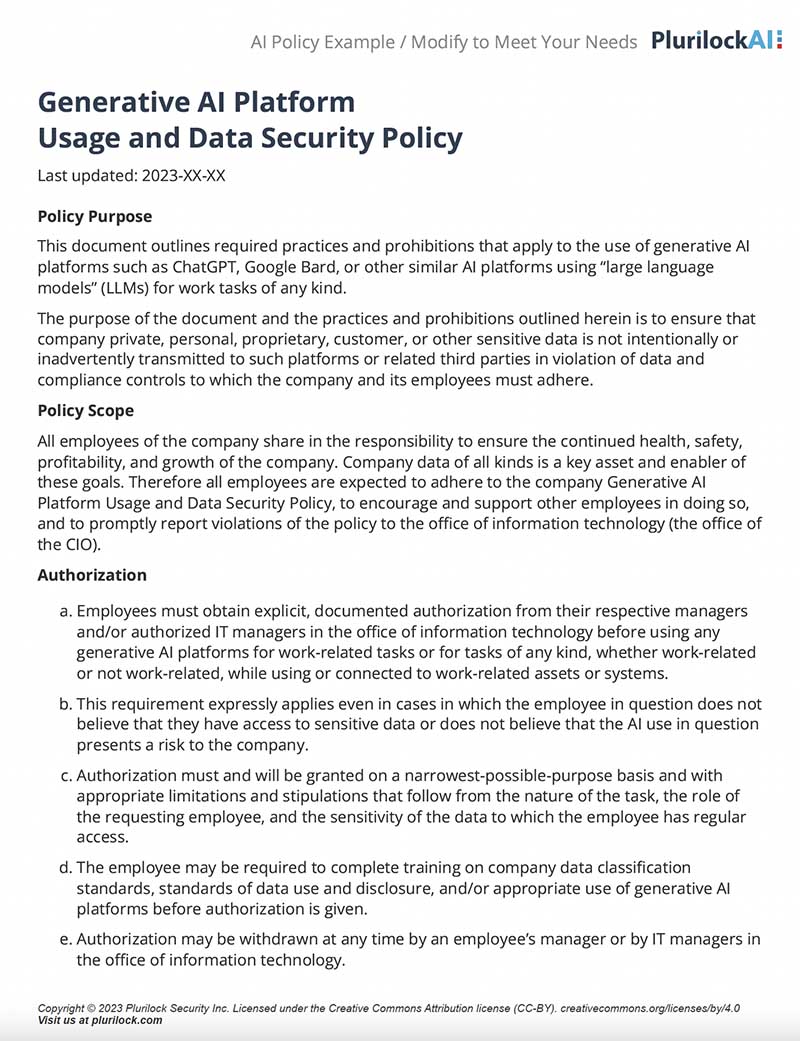
Sample Governance Policy for AI Use
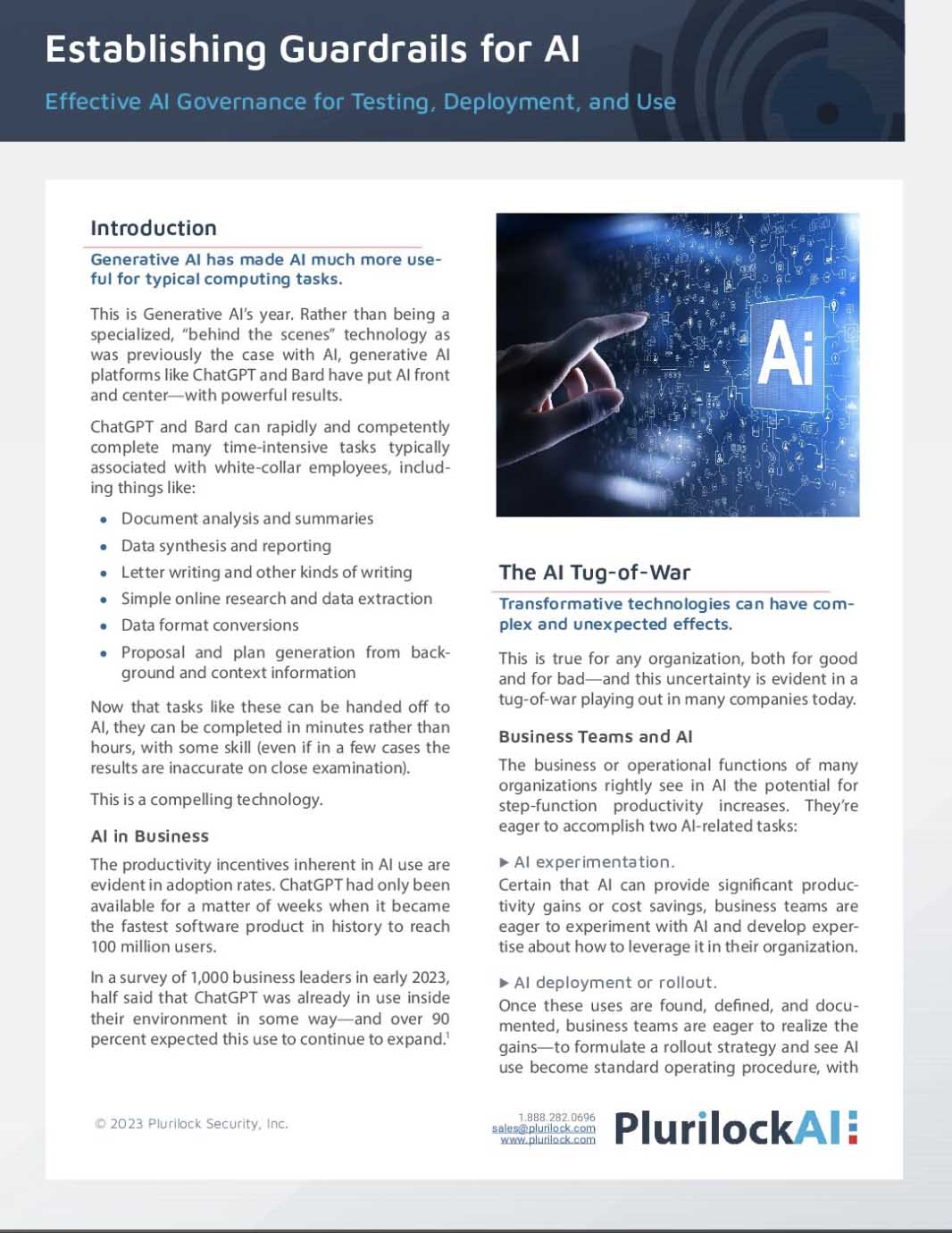
Establishing Guardrails for AI Whitepaper