Cybersecurity Reference > Glossary
What is a Password Manager?




Users access their saved passwords through a single master password or authentication method, which eliminates the need to remember dozens of unique passwords across different systems. The core function is straightforward: the application maintains a secure vault of username-password pairs and automatically fills them in when you visit the corresponding sites or applications.
The appeal is practical. Most people juggle accounts across email, banking, social media, work systems, and countless other services. Without a password manager, they tend to reuse the same passwords, pick easily guessable ones, or write them down—all risky practices. Password managers solve this by letting users create strong, unique passwords for every account without the cognitive burden of memorization.
There's legitimate debate about the security trade-off. Proponents point out that password managers enable genuinely random passwords of sufficient length and complexity, which dramatically reduces the risk of credential stuffing and brute force attacks. Critics worry about concentration of risk: if someone compromises your master password or the password manager itself gets breached, an attacker gains access to everything at once. The consensus among security professionals has largely settled in favor of password managers, though opinions differ on whether cloud-synced or local-only storage offers better protection. The key is understanding that using unique, strong passwords across all accounts generally outweighs the risk of a single point of failure, especially when the master password itself is strong and protected by multi-factor authentication.
Origin
Commercial password managers gained traction in the early 2000s as web-based services proliferated. Products like Password Safe, originally developed by security researcher Bruce Schneier in the late 1990s, established the model of a locally stored, encrypted database protected by a master password. Around the same time, browser-based password storage began appearing in web browsers, though these implementations were often criticized for weak security.
The landscape shifted significantly with the rise of cloud computing in the late 2000s and early 2010s. Cloud-synced password managers allowed users to access their credentials across multiple devices, which made them far more practical for everyday use. This convenience came with new security considerations about server-side storage and transmission security. More recently, password managers have incorporated features like breach monitoring, passwordless authentication support, and secure sharing capabilities. The category has matured from a niche tool for security-conscious users to a mainstream recommendation from security professionals and organizations.
Why It Matters
In enterprise environments, password managers help enforce password policies without making them unbearable for employees. IT teams can require complex passwords and frequent rotation when they know employees have a tool that handles the actual remembering and entering. This reduces shadow IT workarounds like spreadsheets of passwords or sticky notes on monitors.
The rise of remote work has made password managers even more relevant. Employees accessing corporate systems from home networks and personal devices need secure ways to manage credentials without relying on remembered passwords or insecure storage methods. Password managers also integrate with single sign-on systems and multi-factor authentication, creating layers of security rather than a single barrier.
For individual users, password managers are often the most impactful security measure they can adopt. The difference between reusing a simple password and using unique, randomly generated passwords for every account is substantial. Most security incidents involving consumer accounts trace back to password reuse or weak passwords, problems that password managers directly address.
The Plurilock Advantage
Our approach recognizes that password managers work best when they're part of a comprehensive IAM architecture that considers user experience, security requirements, and organizational workflows.
We help you select, deploy, and integrate password management solutions that fit your environment, ensuring adoption rates remain high while security improves across your user base.
.
Downloadable References
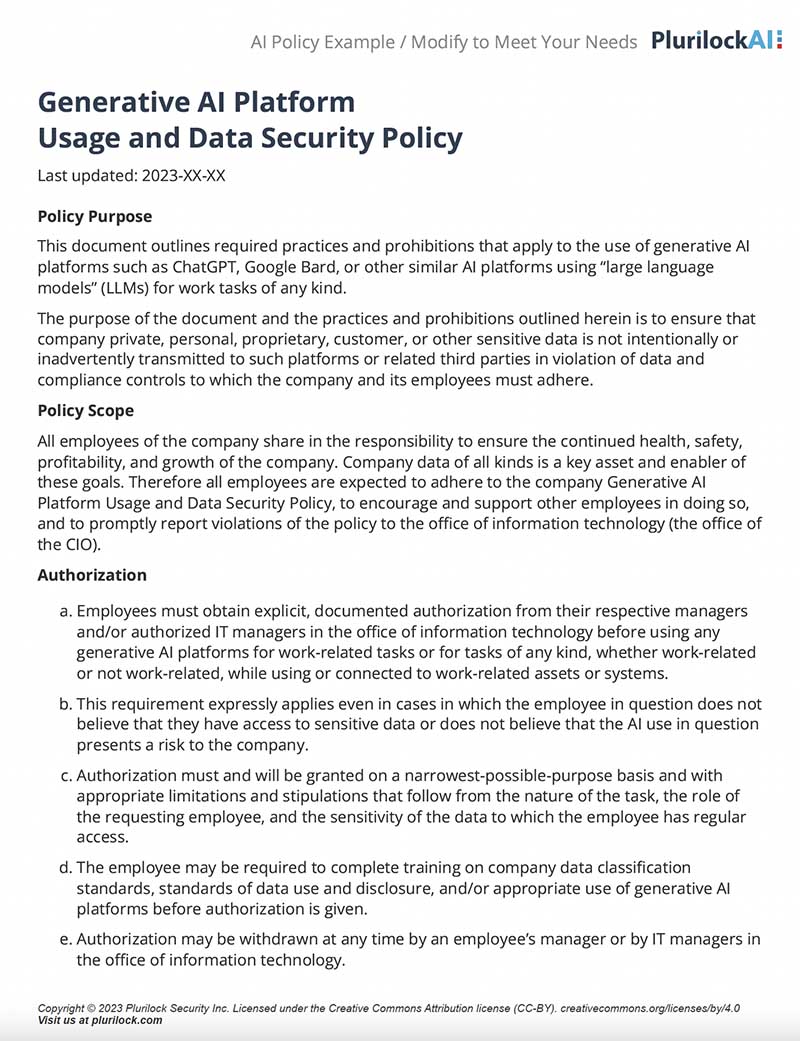
Sample Governance Policy for AI Use
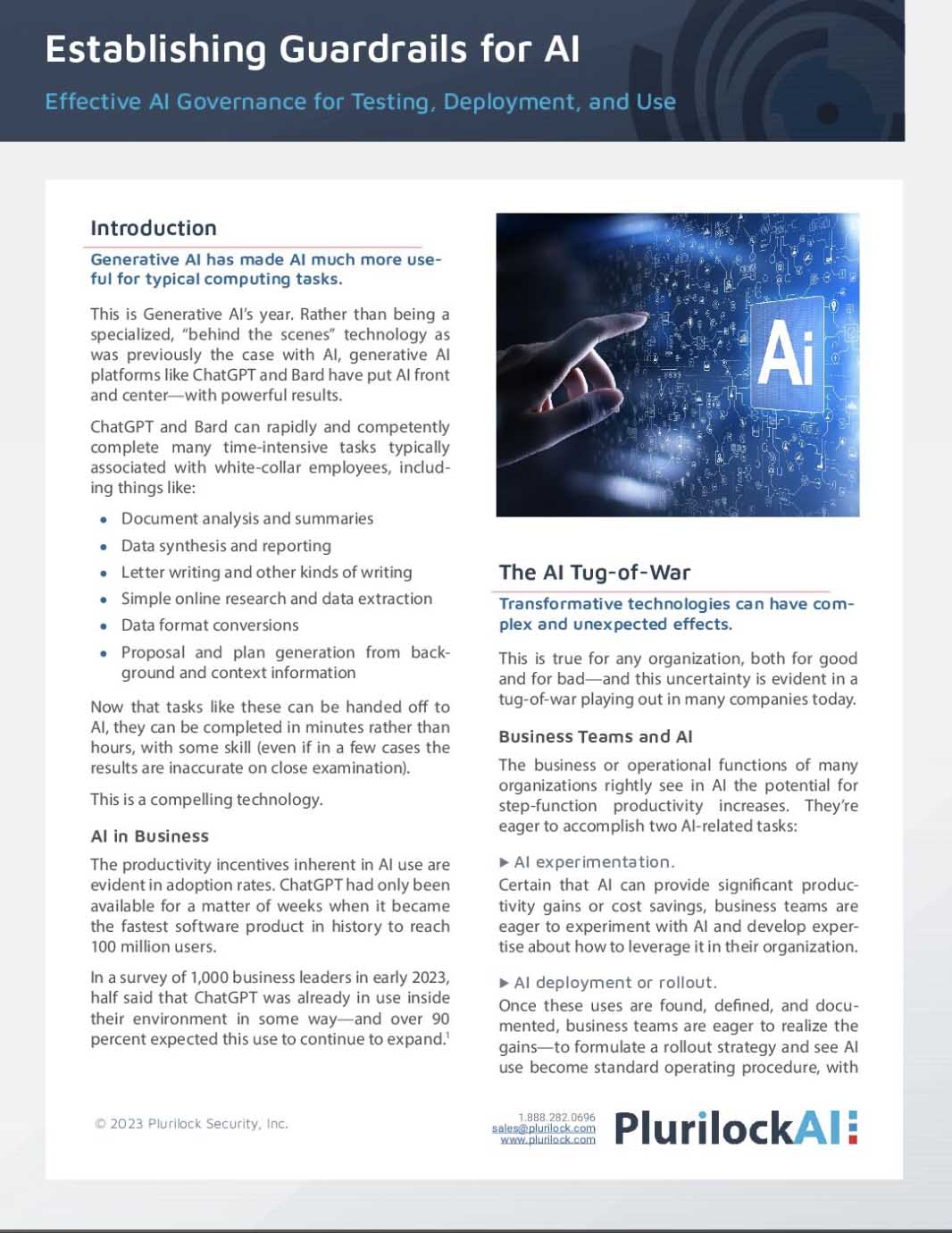
Establishing Guardrails for AI Whitepaper