Cybersecurity Reference > Glossary
What is Static Application Security Testing (SAST)?





SAST tools examine code, bytecode, or binary files to identify potential security vulnerabilities, coding errors, and compliance issues before the application is deployed.
Unlike dynamic testing approaches that require a running application, static analysis occurs during the development phase, making it a "shift-left" security practice. SAST scanners use various techniques including pattern matching, data flow analysis, and control flow analysis to detect common vulnerabilities such as SQL injection, cross-site scripting (XSS), buffer overflows, and insecure cryptographic implementations.
The primary advantages of SAST include early vulnerability detection, comprehensive code coverage, and the ability to pinpoint exact locations of security flaws within the codebase. This enables developers to remediate issues before they reach production environments, reducing costs and security risks. However, SAST tools may produce false positives and cannot detect runtime vulnerabilities or configuration issues. They also require access to source code and may struggle with complex application logic or third-party dependencies. Most effective application security programs combine SAST with dynamic testing and interactive approaches for comprehensive coverage.
Origin
The concept evolved significantly in the late 1990s and early 2000s as web applications became ubiquitous and buffer overflow attacks made headlines. Security researchers recognized that many vulnerabilities stemmed from predictable coding mistakes that could be detected through automated source code inspection. Commercial SAST tools emerged around this time, initially targeting languages like C and C++ where memory management errors created serious security risks.
The rise of secure development lifecycle frameworks, particularly Microsoft's SDL in 2004, accelerated SAST adoption. Organizations began viewing security as a development concern rather than just an operational one. As DevOps practices took hold in the 2010s, SAST tools became faster and more integrated with continuous integration pipelines. Modern SAST has expanded beyond traditional pattern matching to incorporate machine learning approaches, though the core principle remains unchanged: find security problems in code before it runs.
Why It Matters
The approach matters even more as regulatory frameworks increasingly require demonstrable security practices throughout the software development lifecycle. Compliance standards like PCI DSS, HIPAA, and various government security frameworks often mandate or strongly recommend static code analysis. Organizations need evidence that they're proactively addressing security, not just reacting to breaches.
SAST also addresses the reality that security teams can't manually review every line of code their organizations produce. Modern applications often contain millions of lines across numerous repositories, with frequent updates and multiple development teams. Automated static analysis provides coverage that would be impossible through manual review alone. The challenge lies in tuning tools to minimize false positives while catching genuine vulnerabilities, and integrating findings into developer workflows without creating friction. When implemented well, SAST becomes an invisible safety net that catches problems developers might miss.
The Plurilock Advantage
Our application and API testing services combine SAST with dynamic and manual testing approaches, ensuring comprehensive coverage.
We help organizations integrate static analysis into development workflows without drowning teams in false positives, focusing remediation efforts on exploitable vulnerabilities. With former intelligence professionals and senior practitioners who've secured complex environments, we deliver practical guidance that strengthens code security from the earliest development stages.
.
Need Help Securing Your Application Code?
Plurilock's static application security testing identifies vulnerabilities before deployment.
Start Your Security Assessment → Learn more →Downloadable References
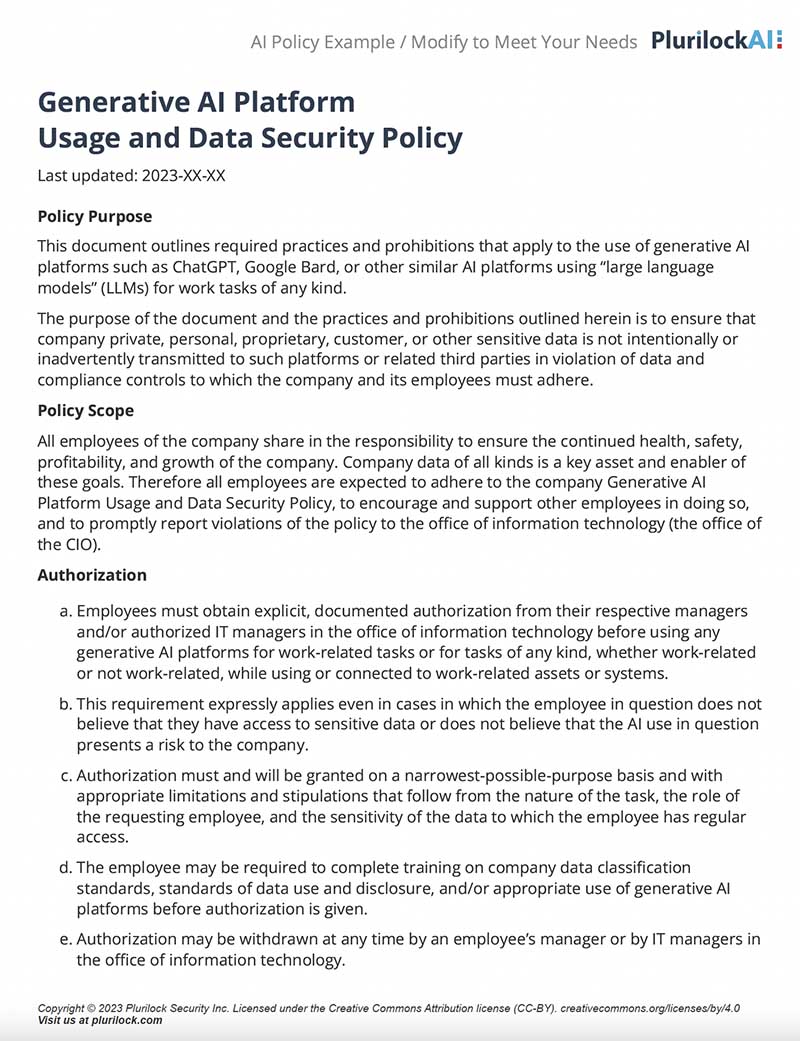
Sample Governance Policy for AI Use
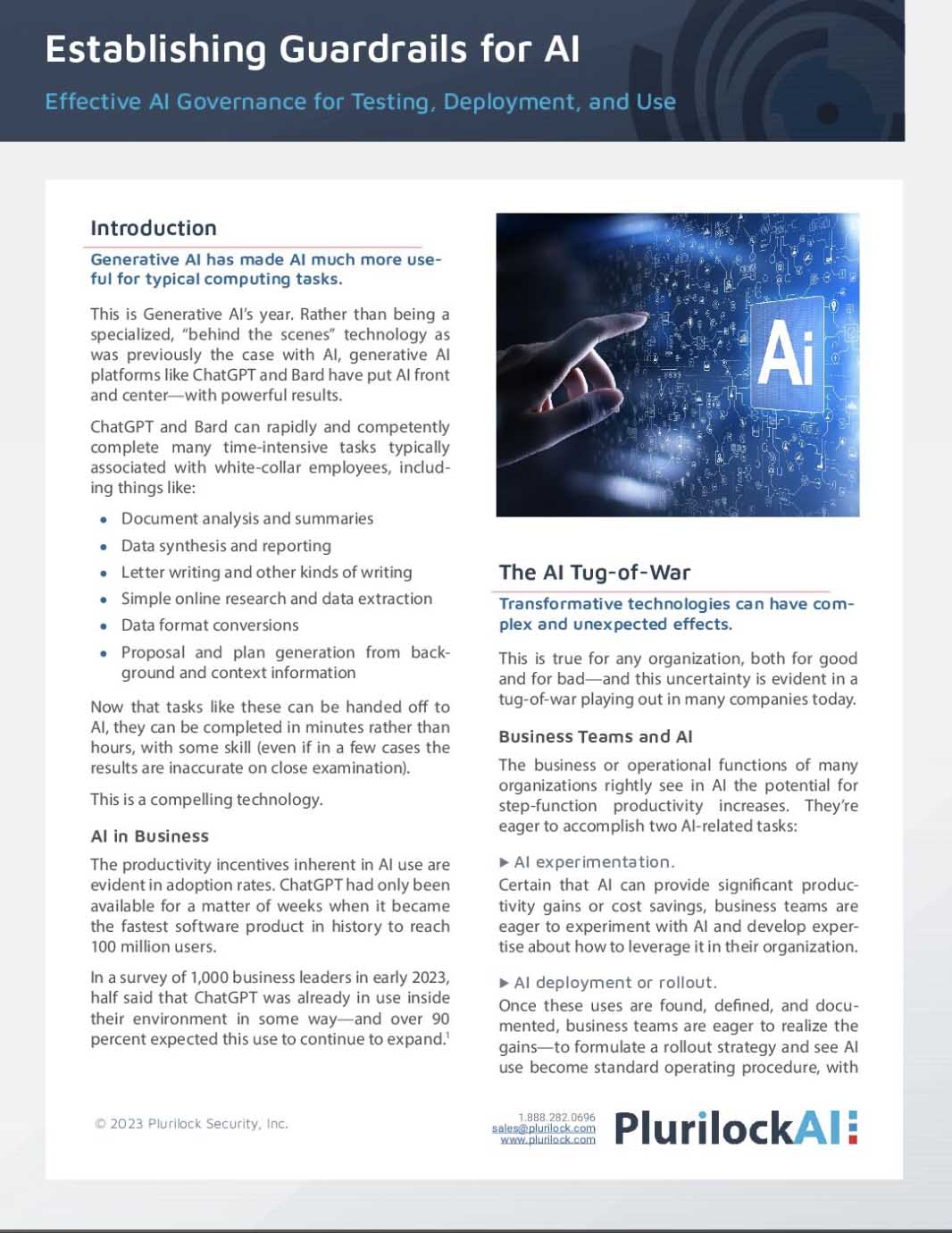
Establishing Guardrails for AI Whitepaper