User friction describes the degree to which a common workflow is difficult, time-consuming, or irritating for a user to complete.
High-friction workflows often involve many steps, require multiple devices or inputs, demand significant cognitive work from the user, or for whatever reason frequently cause users to abandon or circumvent them. Low-friction workflows, on the other hand, are generally entered and completed by users without thought or complaint. They don't affect productivity, get bypassed rarely, and don't drive users to seek workarounds.
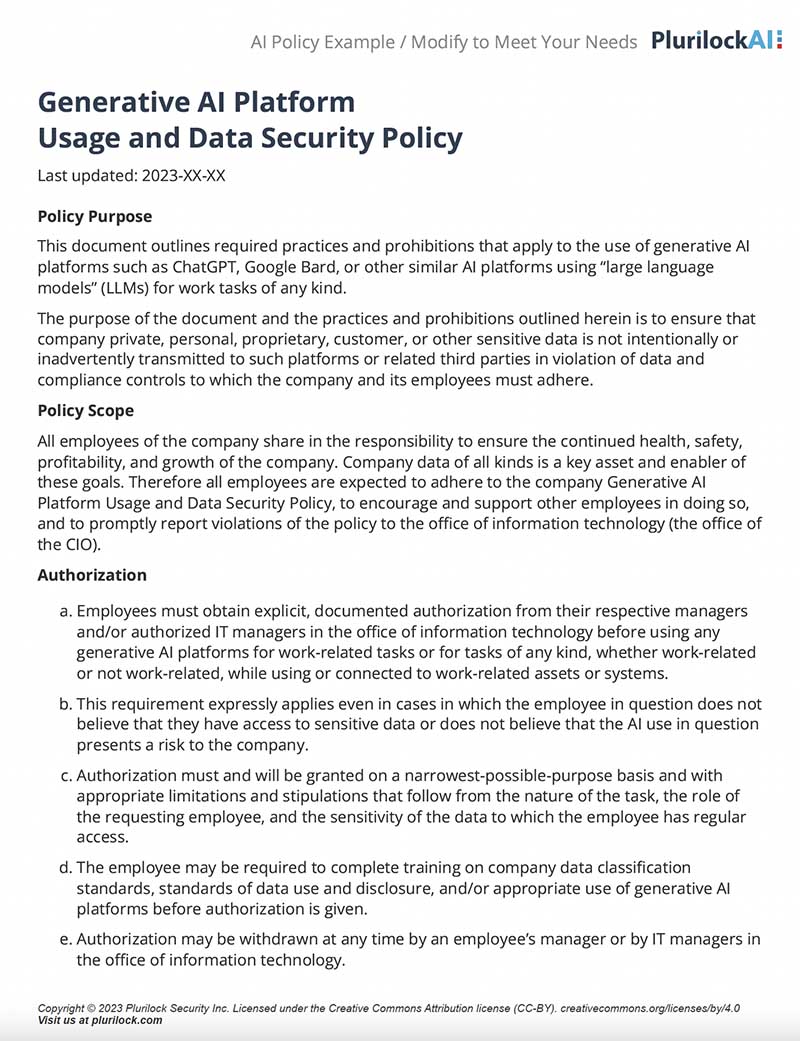
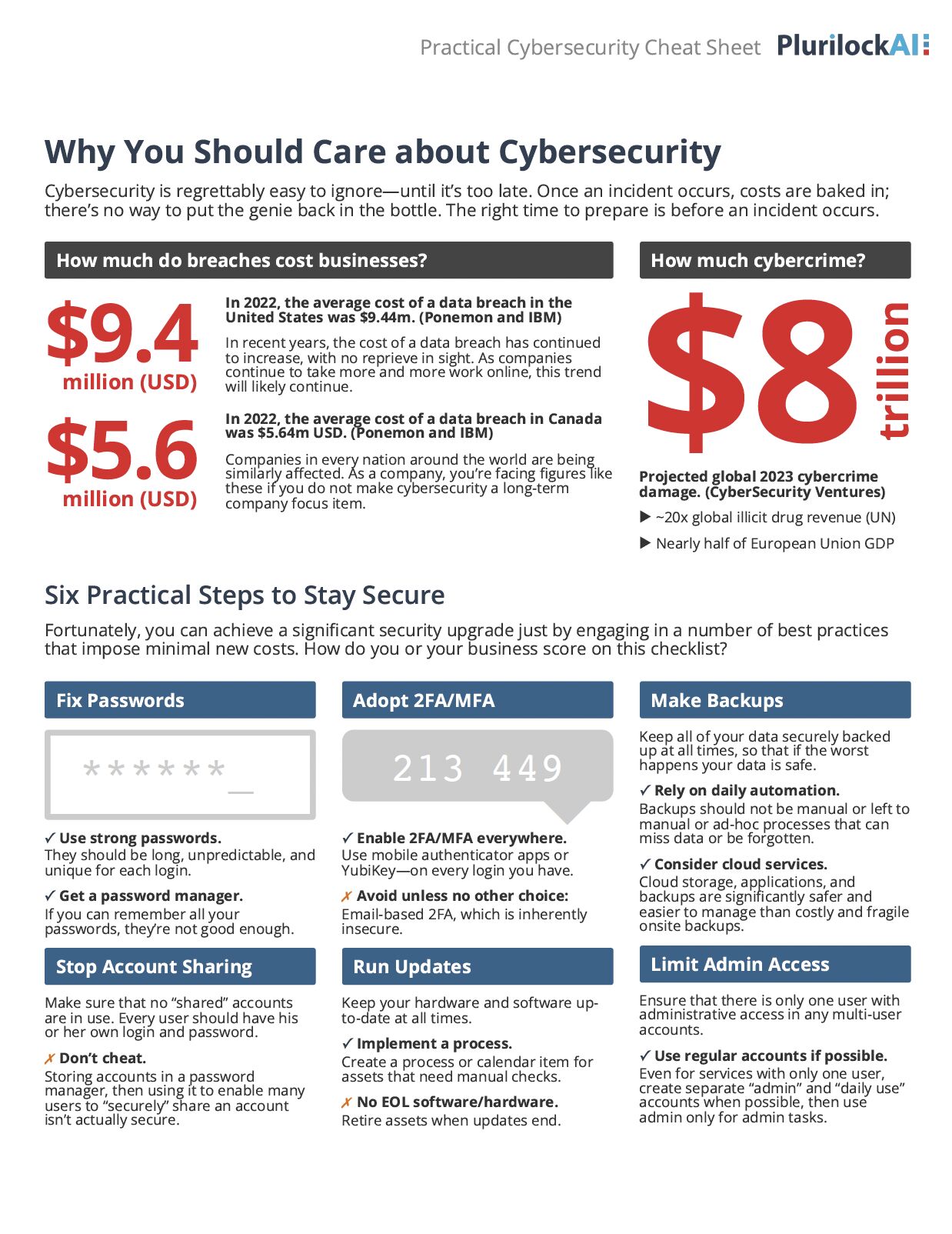
In cybersecurity, user friction matters because security controls that create too much friction fail. Users will find ways around them. Password policies that demand complex rotations lead to sticky notes under keyboards. Multi-factor authentication that requires too many steps gets disabled when possible. The challenge isn't just making systems secure—it's making them secure in ways that people will actually use.
The concept of user friction emerged from user experience design and human-computer interaction research in the 1980s and 1990s. Early systems often prioritized technical requirements over usability, creating interfaces that were powerful but difficult to use. As personal computing became mainstream, designers realized that ease of use wasn't just a nice feature—it determined whether people would use a system at all.
The term gained traction in cybersecurity somewhat later, as organizations struggled with the gap between security policies on paper and security practices in reality. Throughout the 2000s, IT departments implemented increasingly stringent security controls, only to discover that users were actively working around them. Password complexity requirements led to written passwords. VPN requirements led to shadow IT. The pattern repeated: add friction, watch compliance drop.
By the 2010s, the industry began to recognize that user friction wasn't just an annoyance—it was a security vulnerability in itself. If legitimate users can't easily do their jobs within security boundaries, they'll step outside those boundaries. The thinking shifted from "how do we enforce this control" to "how do we make security easy enough that people actually use it."
User friction sits at the heart of most security failures. Breaches often happen not because controls don't exist, but because they were too burdensome to use consistently. An employee emails sensitive data to a personal account because the approved file transfer system takes too long. Someone reuses passwords across systems because remembering unique ones for each application is impossible. A developer hardcodes credentials because the proper secrets management workflow interrupts their process.
The rise of remote work has made friction more costly. When everyone was in the office, some friction was tolerable—IT could help in person, workflows were simpler, and the perimeter was clearer. Now users work from home, from coffee shops, from different time zones. Every extra step in a workflow multiplies the chance something goes wrong.
At the same time, zero trust architectures demand more authentication touchpoints, not fewer. Cloud environments require more access decisions. Regulatory requirements add complexity. The challenge for modern security teams is threading this needle: adding necessary controls without adding friction that makes those controls ineffective. It's not about choosing between security and usability—it's about recognizing that usability is a security requirement.
Plurilock's approach to
identity and access management prioritizes reducing friction while strengthening security posture. Our team designs authentication workflows that verify users continuously and transparently, eliminating the constant interruptions that drive people to circumvent security controls. We implement zero trust architectures that feel seamless to end users but remain rigorous under the hood.
We've seen how friction breaks security in real environments, and we design around that reality. The result is security that actually works because people actually use it—not because they're forced to, but because it doesn't get in their way.
.