Cybersecurity Reference > Glossary
What is Remote Desktop Protocol?





Unlike command-line remote access tools that show only text, RDP creates what's called an "interactive session"—you see the desktop, move the mouse, click buttons, and work as if you were sitting at the machine.
This matters in cybersecurity for two reasons. First, RDP is everywhere in enterprise environments, making it a constant target for attackers who scan the internet looking for exposed RDP ports. Brute force attacks against RDP credentials remain one of the most common initial access vectors for ransomware groups. Second, the interactive nature of RDP creates both risks and opportunities for security monitoring. While attackers often pivot to non-interactive methods once they're inside a network, legitimate users tend to work through these visual sessions, which means security tools can watch for behavioral anomalies in ways that aren't possible with text-only connections.
The protocol runs on TCP port 3389 by default, though security-conscious organizations often change this. Modern versions include encryption and network-level authentication, but configuration weaknesses and credential theft still make RDP a perennial concern for security teams.
Origin
What changed dramatically wasn't the protocol itself but how organizations used it. As cloud computing took off and remote work became common, RDP shifted from an IT administration tool to something much broader.
This expansion created security headaches. A protocol designed for trusted corporate networks was suddenly exposed to the internet, often with default configurations and weak passwords. By the mid-2010s, attackers had figured out that scanning for open RDP ports was an easy way to find vulnerable targets, and the protocol became a primary attack surface rather than just an administrative convenience.
Why It Matters
Beyond direct attacks, RDP creates monitoring challenges. Sessions can tunnel through networks in ways that obscure what's actually happening. Credential theft means attackers can use RDP legitimately once inside, blending with normal administrative traffic. Many breaches involve weeks of reconnaissance conducted through RDP sessions that looked routine.
Organizations struggle to balance access needs against security requirements, often settling for partial solutions like VPNs or jump boxes that add friction without eliminating risk. Getting RDP security right means thinking about network architecture, authentication strength, session monitoring, and behavior analysis together.
The Plurilock Advantage
We implement modern authentication that eliminates password vulnerabilities while maintaining the functionality teams need. Our penetration testing reveals RDP misconfigurations before attackers find them, and our incident response teams have deep experience tracking attacker movement through remote sessions.
We help organizations build remote access architectures that work for users without creating the broad exposure that makes RDP such a persistent problem.
.
Downloadable References
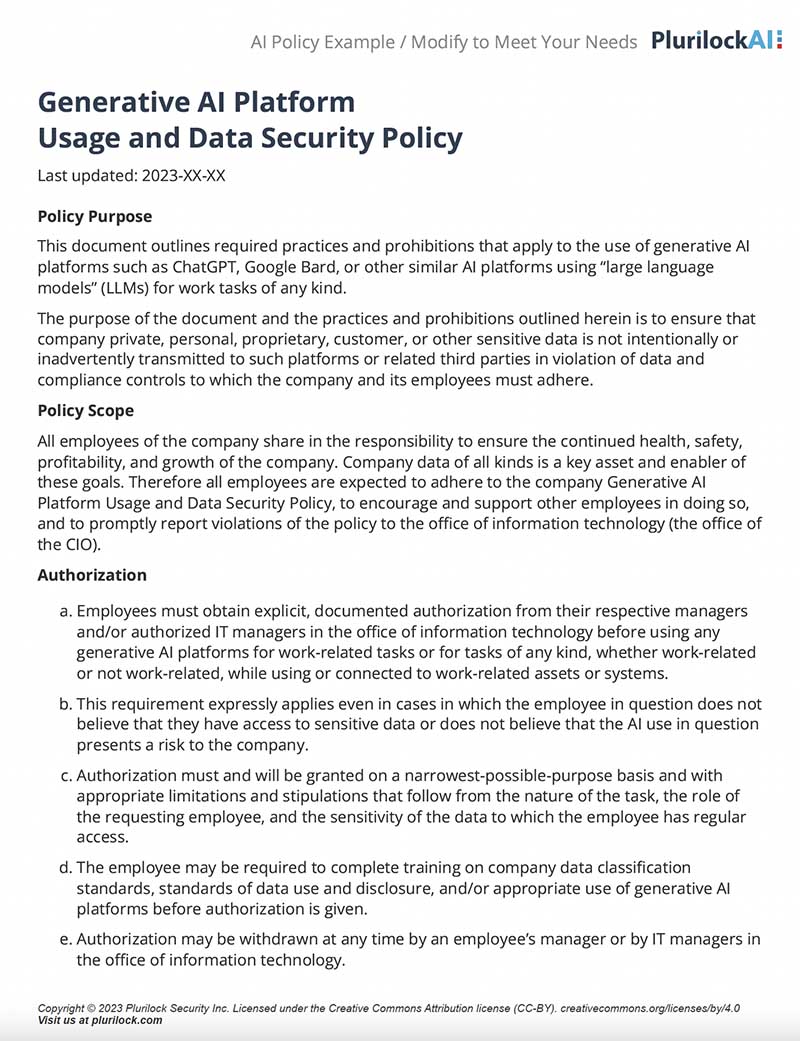
Sample Governance Policy for AI Use
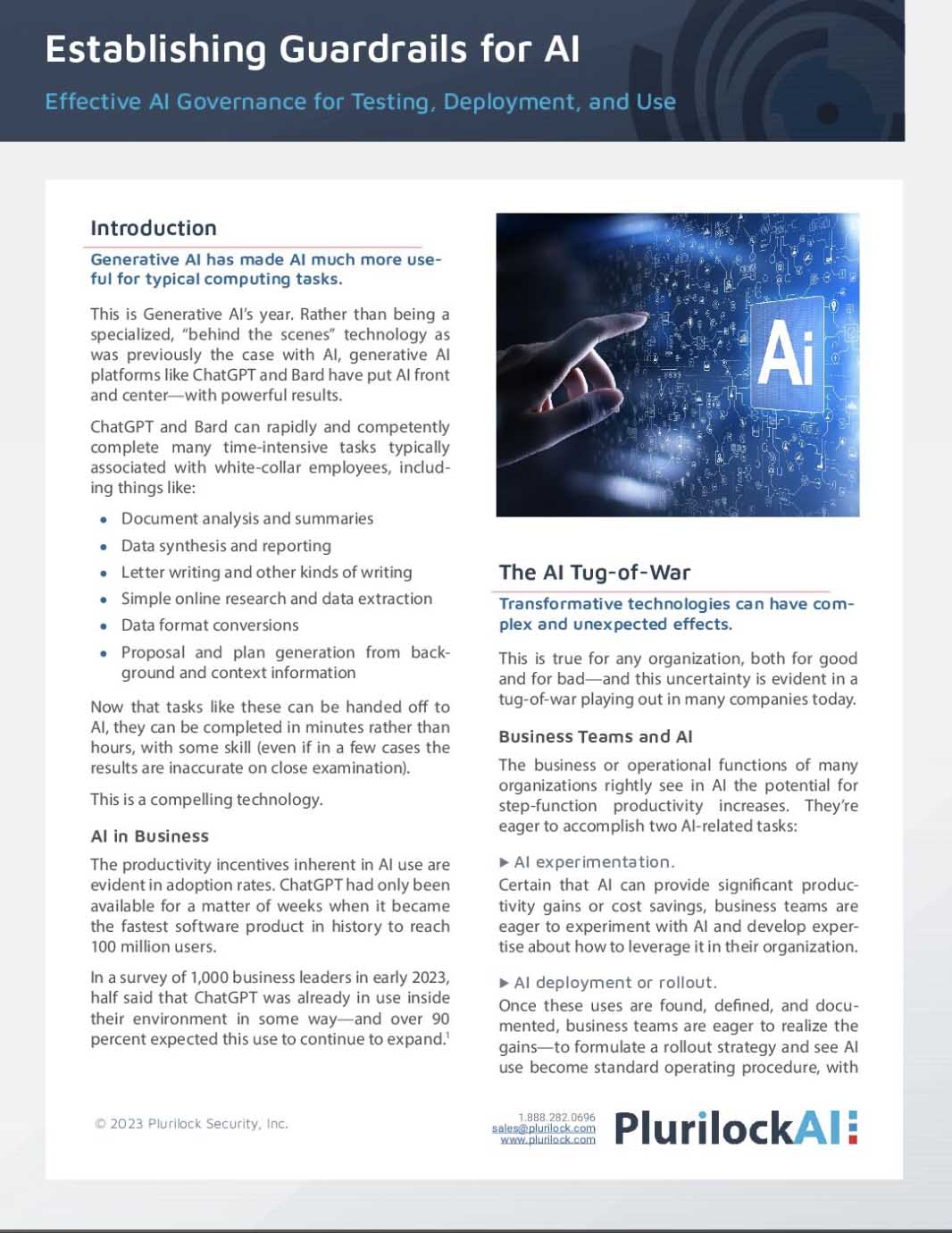
Establishing Guardrails for AI Whitepaper