Cybersecurity Reference > Glossary
What is Two-factor Authentication (2FA)?





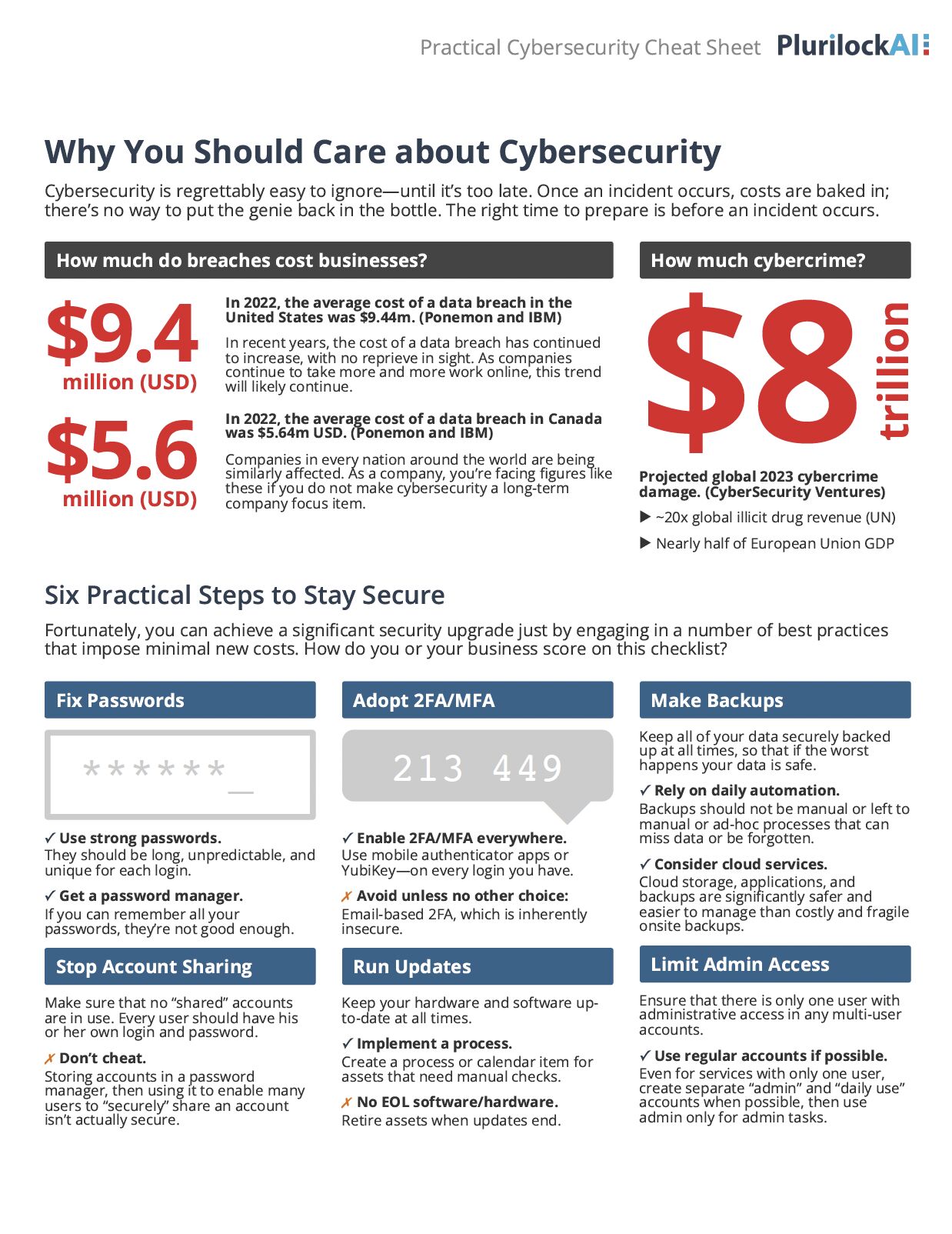
The logic rests on three categories of proof: something you know (a password or PIN), something you have (a phone or hardware token), or something you are (a fingerprint or face scan). True 2FA pulls from two different categories. The most familiar version today combines a password with a one-time code sent to your phone, mixing knowledge with possession.
This approach raises the bar for attackers considerably. Stealing a password gets them only halfway in. They'd also need physical access to your phone or token, which is a much harder target. That said, 2FA isn't bulletproof. Attackers have learned to intercept codes through SIM swapping, phishing sites that relay credentials in real time, or social engineering that tricks users into sharing codes. Some implementations are stronger than others—hardware tokens and authenticator apps tend to hold up better than SMS codes, which are vulnerable to interception.
It's worth noting that requiring two passwords or a password plus a security question isn't actually 2FA. Both are knowledge-based, so they're better described as two-step authentication. The distinction matters because the security benefit comes from crossing category boundaries, not just adding steps.
Origin
The term "two-factor authentication" gained traction in the 1980s as commercial computing expanded and password-only systems showed their weaknesses. RSA introduced the SecurID token in the mid-1980s, generating time-based codes that changed every minute. This became the standard for corporate remote access for years, though the hardware tokens were expensive and occasionally a logistical headache when users lost or forgot them.
The real shift came with smartphones. Once nearly everyone carried a device capable of receiving codes or running authenticator apps, 2FA became practical at scale. Google offered optional 2FA for Gmail in 2011, and other consumer services followed. What had been a corporate security measure gradually became something ordinary users encountered, though adoption remained patchy. The rise of high-profile breaches and credential stuffing attacks through the 2010s pushed more organizations to require 2FA rather than just offer it as an option.
Why It Matters
That protection matters especially for accounts that control sensitive data or financial access. Email accounts are particularly valuable targets because they're often the recovery mechanism for other services. An attacker who gains email access can reset passwords elsewhere and take over multiple accounts. 2FA on email acts as a choke point that stops this cascade.
Implementation quality varies widely, though. SMS-based codes are better than nothing but vulnerable to SIM swapping, where an attacker convinces a mobile carrier to transfer your number to their device. Authenticator apps using time-based one-time passwords (TOTP) are more resistant. Hardware security keys using protocols like FIDO2 offer the strongest protection because they're tied to specific websites and can't be phished. Organizations increasingly require 2FA for remote access and privileged accounts, and some regulatory frameworks now mandate it for certain types of data.
The Plurilock Advantage
We assess your current authentication posture, identify gaps where 2FA should be required, and help you choose methods that match your threat model without creating friction that drives workarounds.
Learn more about our identity and access management services.
.
Downloadable References
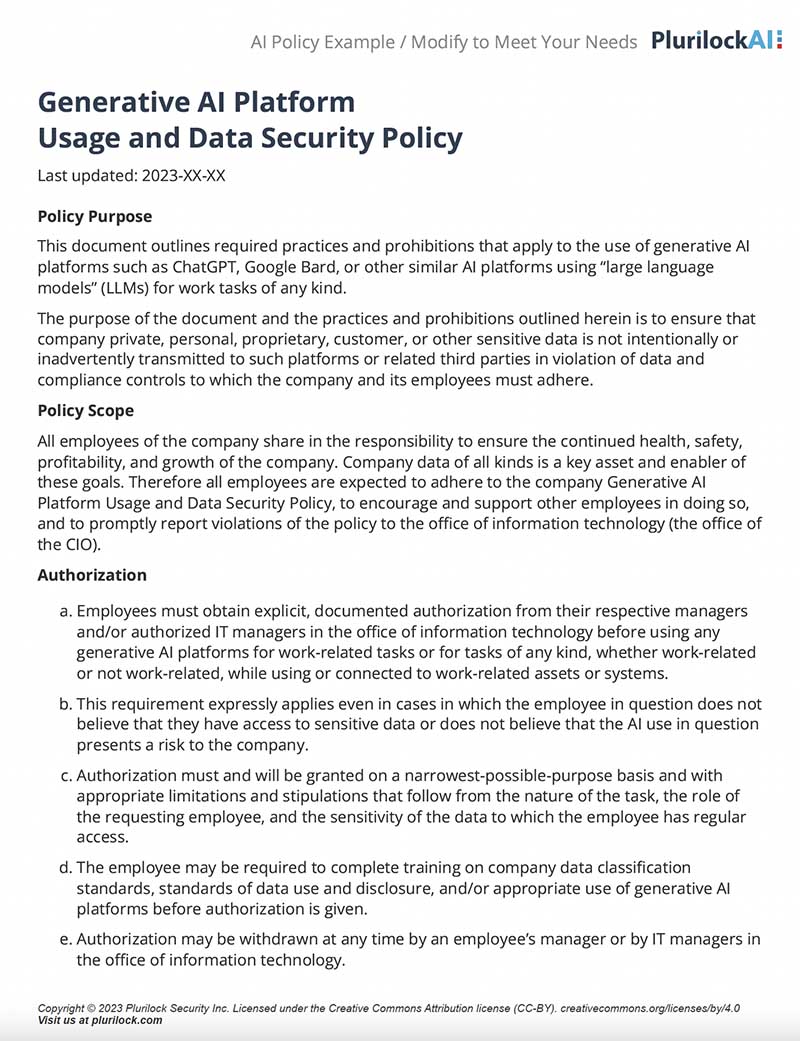
Sample Governance Policy for AI Use
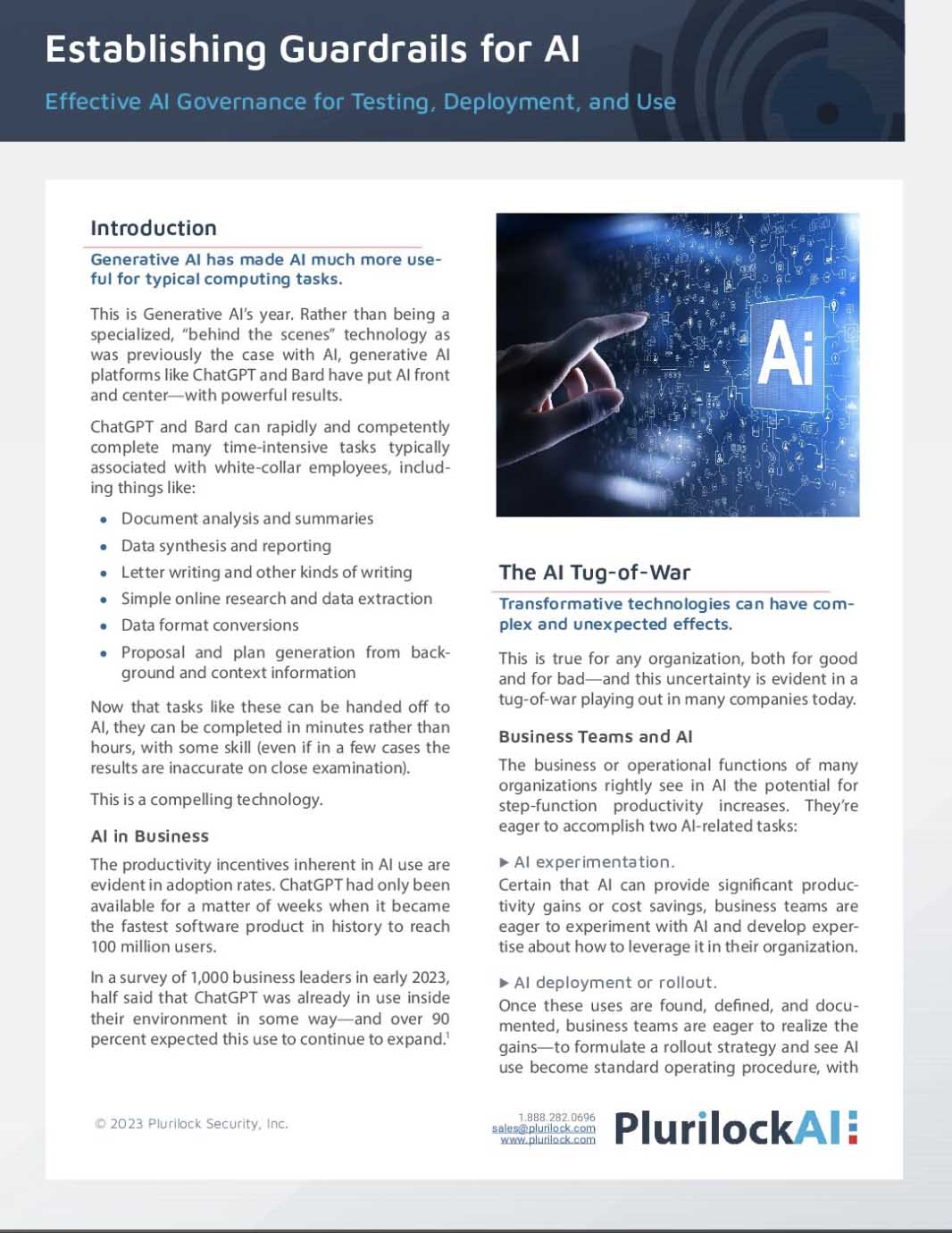
Establishing Guardrails for AI Whitepaper