For small- and medium-sized businesses in particular, the cloud era has created a significant password problem.
Cloud applications offer a compelling value proposition—ease of use, streamlined, tailored feature sets, high affordability, and high flexibility—yet each one also requires employees to be logged in before they can be used.
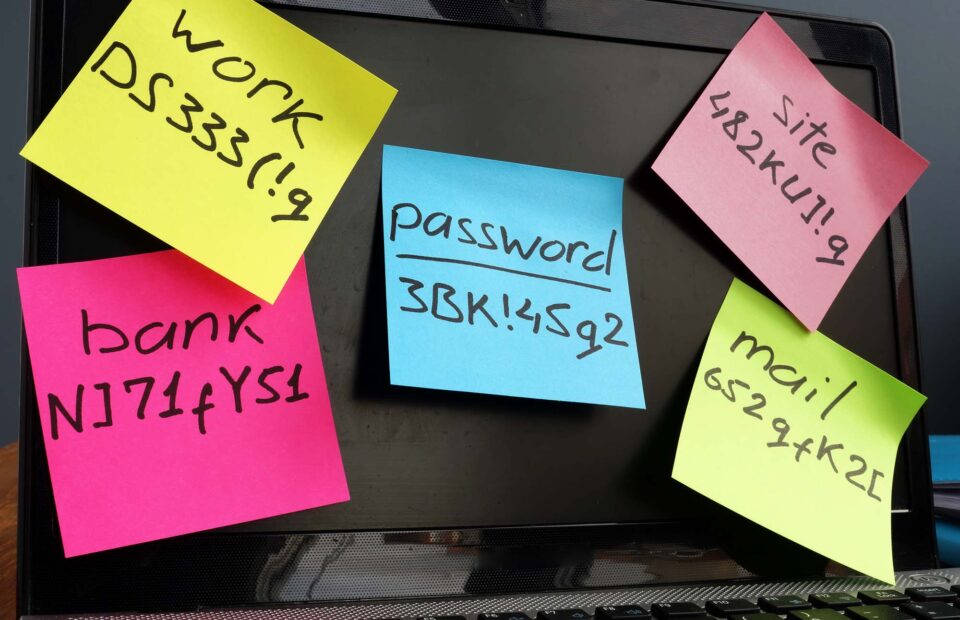
The result for many businesses is a workforce left juggling more passwords than they can remember, resulting in poor password habits like password reuse, writing passwords down, obvious passwords, or saving passwords in their browser's local storage to have their browser log in for them.
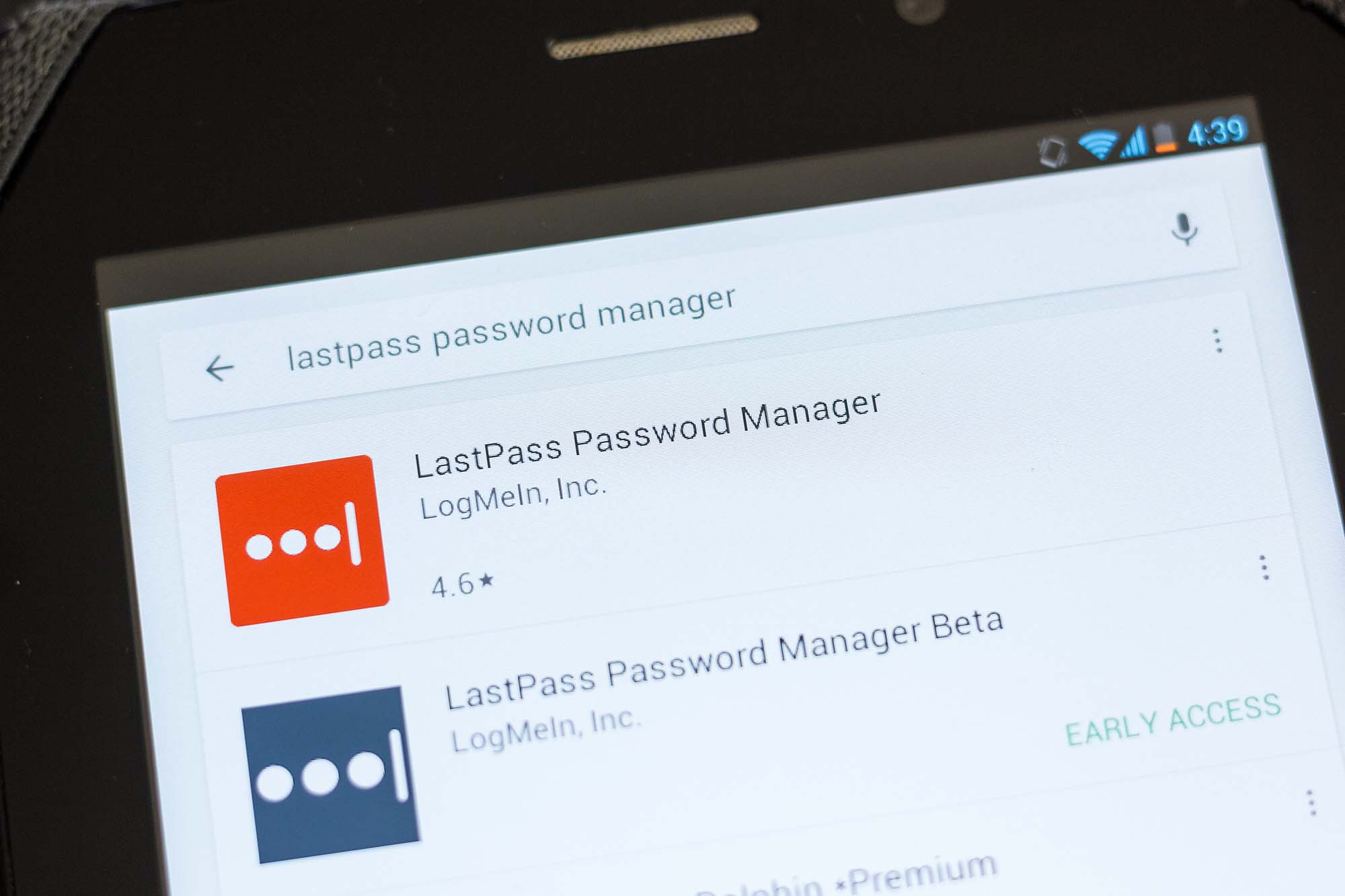
Though password managers can offer a kind of temporary or partial solution, the more secure, less risk-prone solution to this problem is called single sign-on (SSO).
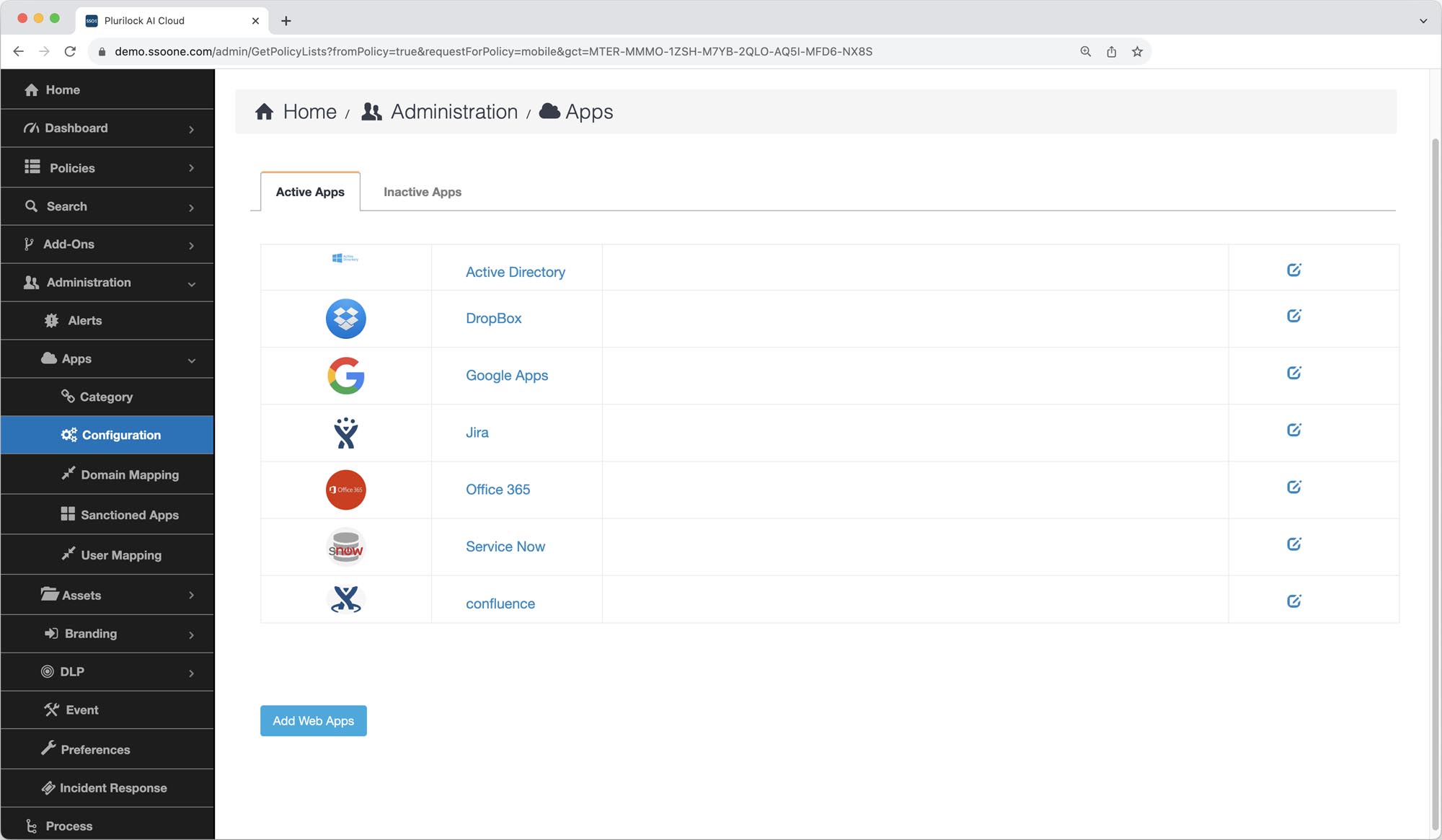
SSO platforms use open standards to security connect to all of your cloud applications, enabling users to sign in once, at the start of the day, to their SSO dashboard. From there, they can visit each application that they need in order to do their work without having to log in to the application itself—instead, the SSO platform provides each cloud application with the identity of the user at the computer and a guarantee that they have already been identified.
The result is an office in which employees only have to remember one password to access all of their applications, and only have to enter it once at the start of their work session, not over and over again. Even better, SSO platforms like Plurilock AI Cloud also support FIDO2 device identifier authentication, enabling users to securely identify themselves with a device like a smartphone and its fingerprint scanner, eliminating the need for passwords altogether.
While deploying integrated IT solutions like SSO platforms can feel like a heavy lift for small- or medium-sized businesses in particular, it doesn't have to be. Plurilock AI Cloud, for example, has the industry's highest customer satisfaction rating largely because it is designed to be accessible—to provide required capabilities without bloat, so that it does't take a large IT staff to deploy or manage.